


Best YouTube to MP3 Converter Tools In 2026 – Free & Fast
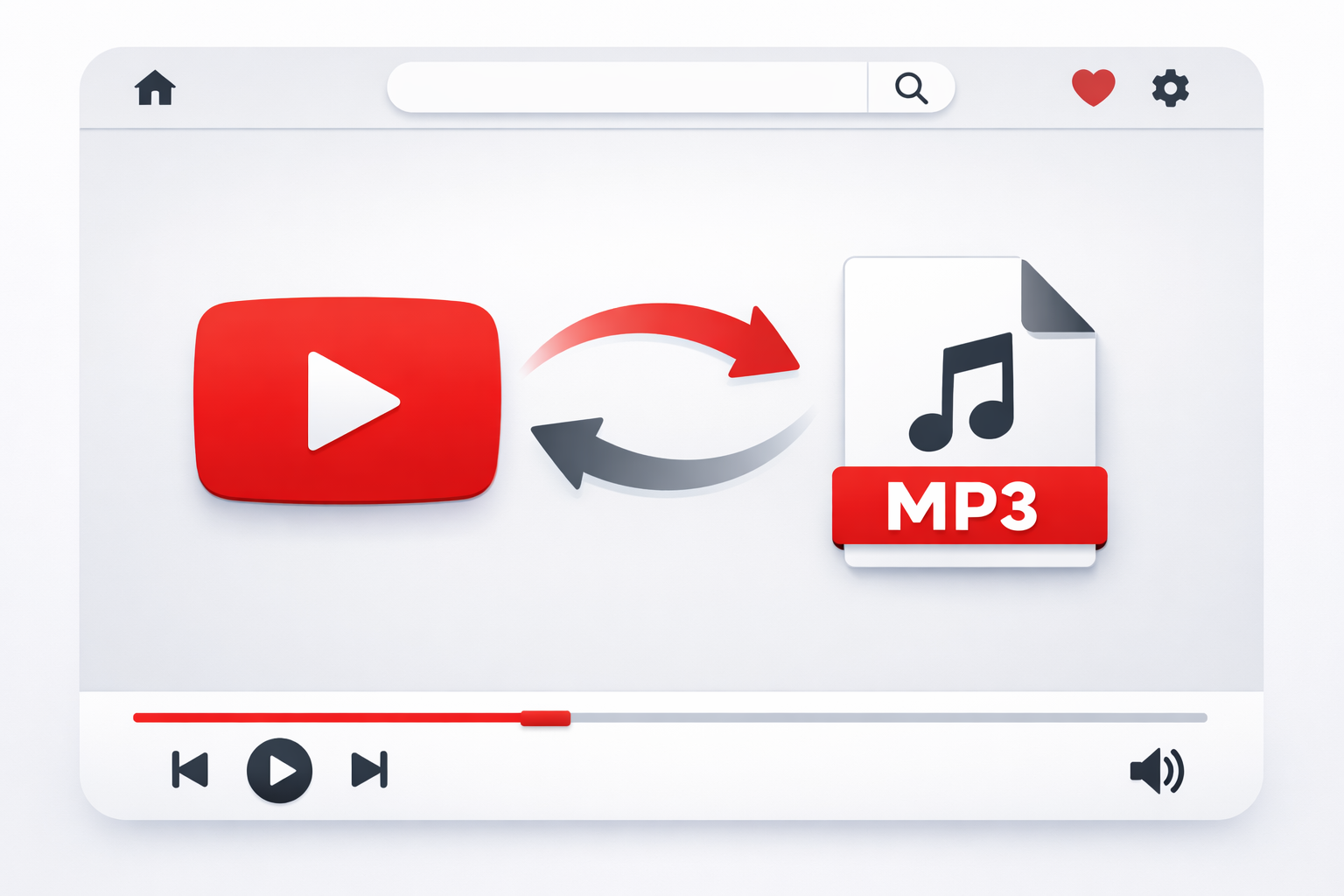
Online audio tools make it easier to find and manage audio content. Many people enjoy music, podcasts, interviews, and educational videos on YouTube. Sometimes, they want to listen to audio offline or save their own content in a convenient format.
A YouTube to MP3 converter can help turn video content into an audio file when downloading is permitted. In 2026, users can choose from several tools with different features, formats, and settings.
Let's explore some popular options and learn what to consider before choosing one.
What Is a YouTube to MP3 Converter?
A YouTube to MP3 converter is a tool that extracts audio from a video and saves it as an MP3 music file. MP3 is a popular audio format because it works on most phones, computers, and tablets.
Users can convert and download unlimited audio content, such as educational content, music playlists, and other content they have permission to download. Always check the content’s copyright status and YouTube’s terms before saving audio.
5 YouTube to MP3 Converter Tools to Explore in 2026
1. 4K Video Downloader
4K Video Downloader is a desktop application for downloading supported online content. It offers format and quality options, depending on the source and available features.
Key features:
- Desktop-based interface
- Audio and video download options
- Quality settings for supported content
It may suit users who prefer a dedicated application over a browser-based tool.
2. MediaHuman YouTube to MP3 Converter
MediaHuman YouTube to MP3 Converter is an online tool focused on audio extraction. It is designed for people who want a straightforward way to manage audio from supported videos.
Key features:
- Audio-focused workflow
- Playlist support in supported cases
- Audio quality options
Check the official website for current compatibility and feature details before installing it.
3. YTMP3
YTMP3 is a name associated with online YouTube-to-MP3 conversion services. Browser-based tools can be convenient because they may not require a desktop installation.
Key features to check:
- Simple conversion steps
- MP3 output availability
- Browser and mobile compatibility
Several websites use similar names, so verify the correct website carefully. Avoid suspicious download buttons, unexpected redirects, and requests to install unknown software.
4. MP3Juice
MP3Juice is commonly associated with online audio search and MP3 download services. Depending on the website, users may find search features and audio-related options.
Key features to check:
- Search-based audio discovery
- Simple website navigation
- Available audio formats
Before using any MP3Juice service, check where its audio comes from and whether the content is legally available to download.
5. FLVTO
FLVTO is another name associated with online media conversion. Services under this name may offer audio conversion options, although features and availability can change.
Key features to check:
- Browser-based access, where available
- Audio format options
- Compatibility with your device
Review the website's safety and privacy information before using it. Do not provide unnecessary personal details.
How to Choose the Right Converter
The right tool depends on your needs. Consider these points before making a choice.
- Audio quality: Check the available bitrate and output settings. A higher bitrate cannot restore details missing from the original audio.
- Ease of use: Choose a clear interface with simple instructions.
- Device compatibility: Confirm that the tool works with your operating system or browser.
- Safety: Avoid unknown installers, misleading buttons, and suspicious browser notifications.
- Privacy: Read the privacy policy and avoid services that request unnecessary permissions.
- Copyright: Download only content you own, have permission to use, or are otherwise legally allowed to download.
Basic Steps for Converting Audio
The process varies by tool, but a typical workflow is simple:
- Choose a trusted tool that supports your content.
- Open the video or audio source you are authorized to use.
- Select MP3 as the output format, if available.
- Choose an appropriate audio quality setting.
- Convert the file and save it to your device.
- Play the file to check its sound quality.
If a website asks you to install an unfamiliar extension or disable your security settings, leave the page.
Final Thoughts
The best YouTube to MP3 converter depends on your preferred device, audio quality needs, and comfort with desktop or browser-based tools. Options such as 4K Video Downloader, MediaHuman YouTube to MP3 Converter, YTMP3, MP3Juice, and FLVTO offer different experiences and should be checked for current availability and features.
Compare each tool carefully before using it. Focus on safety, ease of use, sound quality, and privacy rather than speed alone. Most importantly, respect copyright and choose audio sources you are allowed to save.

 English
 Arabic
 French
 Spanish
 Portuguese
 Deutsch
 Turkish
 Dutch
 Russian
 Romaian
 Portuguese (Brazil)
 Greek