


How to Connect to DeltaWiFi: A Simple Step-by-Step Guide
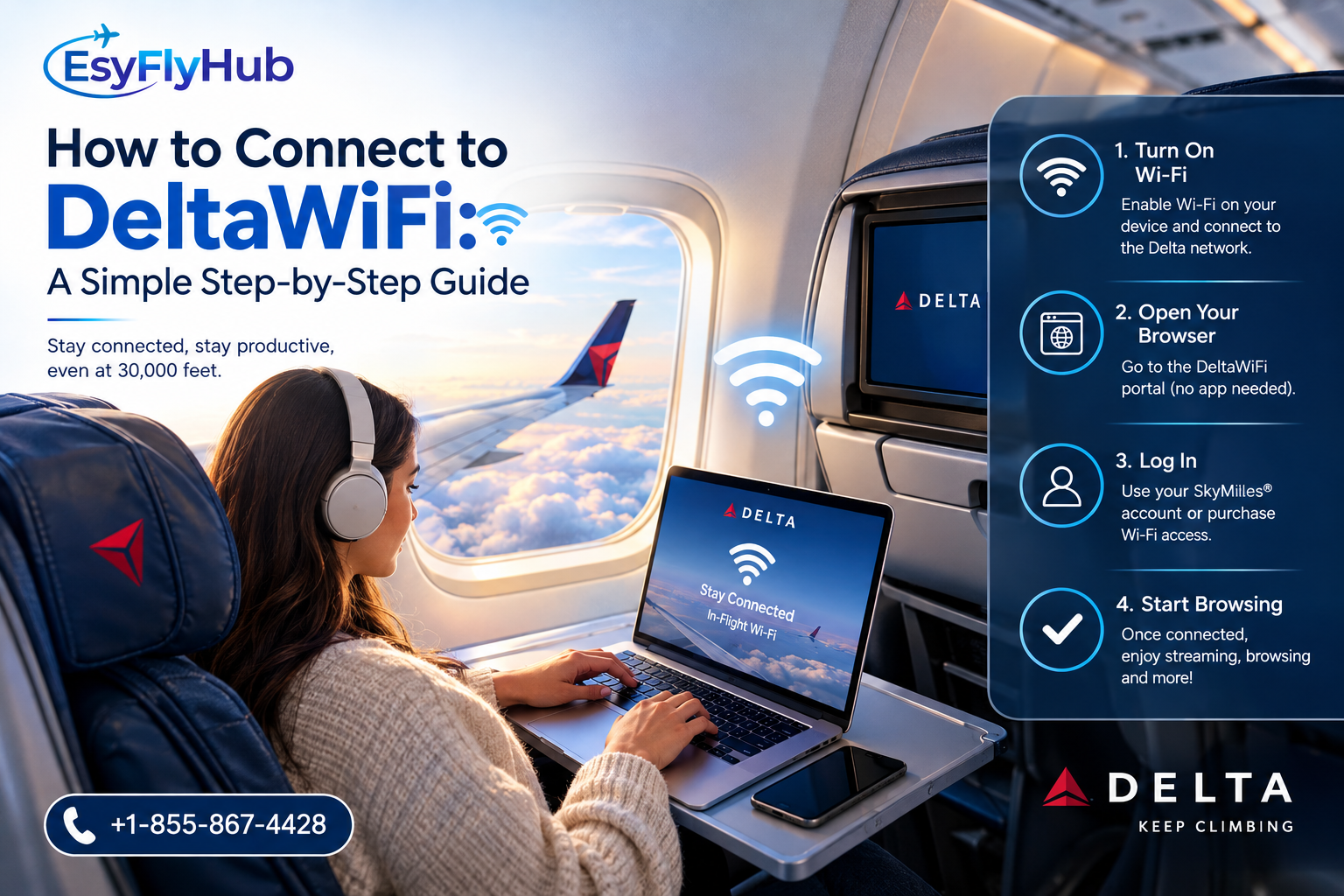
Staying connected during a flight makes it easier to check emails, browse websites, message friends, and manage travel plans. deltawifi gives eligible Delta Air Lines passengers access to onboard connectivity on supported aircraft. Whether you are traveling for business or leisure, understanding how to access the service can make your journey more convenient. For general travel assistance, you can also call +1-855-867-4428.
How do you connect to Delta Wi-Fi?
Connecting to Delta’s onboard internet is usually straightforward. First, enable airplane mode on your device and then turn on Wi-Fi. Look for the onboard Delta Wi-Fi network in your available connections. Once connected, open your browser and follow the instructions displayed on the airline’s Wi-Fi portal. Depending on your flight, you may be able to access complimentary Wi-Fi or purchase an available internet plan.
Step 1: Prepare Your Device
Before boarding, charge your phone, tablet, or laptop and ensure Wi-Fi is enabled. Download important documents, entertainment, and travel information in advance because connectivity and internet speeds can vary between aircraft and routes.
Step 2: Join the Onboard Wi-Fi Network
After the aircraft reaches the appropriate stage of flight, open your device’s Wi-Fi settings. Select the Delta onboard network shown in the available connections. Keep cellular data disabled if necessary, and avoid selecting unfamiliar public networks.
Step 3: Open the Wi-Fi Portal
Once connected, launch your browser if the login page does not appear automatically. Follow the displayed instructions to access the available internet service. If the portal fails to load, try opening another webpage or reconnecting to the onboard network.
Step 4: Complete the Login Process
The deltawifi connect process may require you to follow on-screen prompts, sign in, or select an available plan. The options depend on your flight, aircraft, and eligibility. Review the displayed terms before purchasing any service.
What Is DeltaWiFi in Sync?
deltawifi in sync may refer to searches about Delta’s onboard connectivity and related entertainment or digital services. Passengers should distinguish internet access from seatback entertainment, which may operate separately. Availability depends on the aircraft and the services offered on the specific flight. Check the onboard portal for the options currently available to you.
Is Wi-Fi Available on Every Delta Flight?
The availability of wifi in delta airline depends on the aircraft, route, and onboard equipment. Many Delta flights offer Wi-Fi, and eligible flights may provide complimentary access to SkyMiles members. However, coverage, speed, and available features can vary, particularly on international routes. Check Delta’s official website or your flight information before departure to understand what your journey supports.
What Is the DeltaWiFi Login Website?
Passengers searching for deltawifi com wifi login generally want to reach the onboard internet portal. Once connected to the correct aircraft network, open your browser and follow the login instructions presented during your flight. If the page does not appear, disconnect and reconnect to Wi-Fi, then try opening the portal again. Avoid entering personal information on websites that do not appear to be part of the airline’s official service.
Troubleshooting Common Connection Problems
If the connection fails, confirm that airplane mode is enabled and Wi-Fi is switched on. Forget the onboard network, reconnect, and reopen your browser. Temporarily disable any VPN that interferes with the login page, if permitted by your device and the service. If problems continue, ask a flight attendant whether onboard connectivity is available on your aircraft.
Frequently Asked Questions
1. Is Delta Wi-Fi free?
Complimentary Wi-Fi is available on many eligible Delta flights for SkyMiles members, but availability and conditions vary by aircraft and route.
2. Do I need a SkyMiles account?
A SkyMiles account may be required to access complimentary Wi-Fi on eligible flights. Check the onboard portal for current requirements.
3. Can I connect multiple devices?
Device limits and access rules depend on the service offered on your flight. Follow the instructions shown on the onboard portal.
4. Why is the Delta Wi-Fi login page not opening?
Reconnect to the onboard network, open your browser, and try loading another webpage. If the portal still fails, ask the crew for assistance.

 Arabic
 French
 Spanish
 Portuguese
 Deutsch
 Turkish
 Dutch
 Italiano
 Russian
 Romaian
 Portuguese (Brazil)
 Greek