


How to Integrate AI Models into an Existing Golf Mobile Application?
Golfers expect their apps to keep getting smarter. They want swing feedback, tips that fit their game, and stats that show what to practice next. The good news is that AI can be added to a live app without a full rebuild. This guide covers useful features, the integration steps, the tools involved, and the problems to plan for.
Why Add AI to an Existing Golf App
An existing app already holds scores, rounds, bookings, and member activity. AI turns that history into personal insights, giving players a reason to open the app more often. A golf app development company can add these models through APIs and backend services, so the current screens, accounts, and payment flows keep working. Updating the app this way also costs less than starting over.
AI Features You Can Add to a Golf App
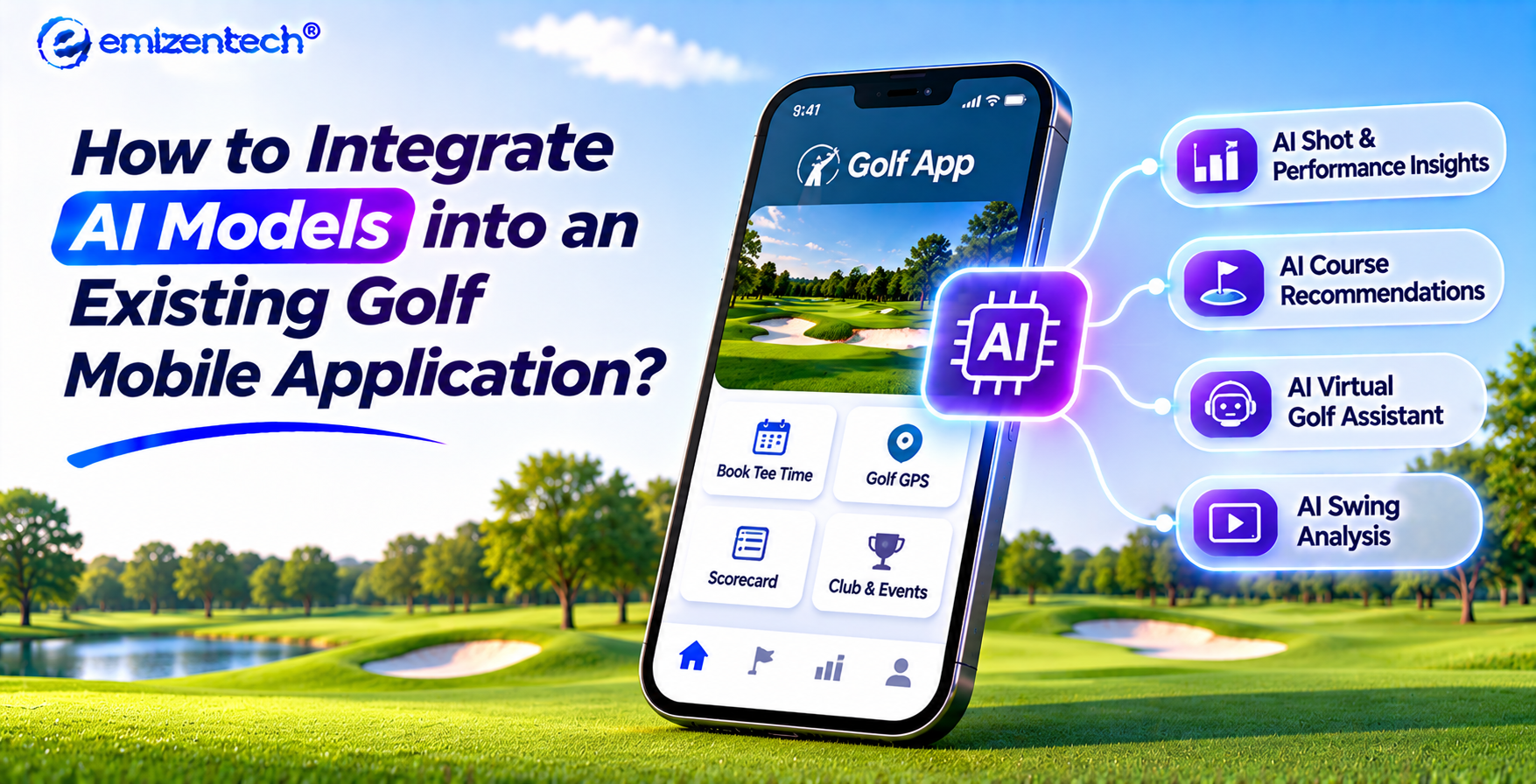
Start with features that use data your app already collects. These four options fit most golf apps and match app types such as GPS tracking, coaching, scoring, and membership.
-
Swing analysis from video: Players upload a clip, and computer vision checks posture, tempo, and club path, then highlights what to fix.
-
Personalized coaching and drills: Models study recent rounds, suggest drills for weak areas, and track progress over time.
-
Performance analytics: AI spots patterns such as missed greens or short-game losses and shows where strokes are being lost.
-
Chatbots for support: A bot answers questions on tee times, memberships, and course rules, then hands complex requests to staff.
Step-by-Step Process to Integrate AI Models
A clear sequence keeps the project safe for live users. Follow these steps in order, and release each feature to a small test group before opening it to all players.
Audit the App and Data
Review the codebase, database, and API setup first. Check how scores, rounds, and videos are stored, since clean, labeled data decides how well any AI model performs, and fix gaps early.
Pick One Clear Use Case
Choose a single goal, such as swing feedback or drill suggestions. A narrow target is easier to build and test, and it shows quickly whether players truly value the feature.
Decide Between Ready-Made APIs and Custom Models
Hosted AI APIs launch fast and suit chatbots or simple tips. Custom models built with TensorFlow, PyTorch, or Keras fit swing analysis and personal coaching, but they need more data and testing.
Connect Through APIs and the Backend
Expose the model through a REST or GraphQL endpoint that the app calls. Keeping AI logic on the backend lets you update models without forcing players to download a new version.
Test, Launch, and Monitor
Test on different phones, screen sizes, and network speeds, then release in stages. After launch, track accuracy, response time, and player feedback, and retrain models regularly as new data arrives.
Tech Stack and Tools for Golf App AI
The right tools depend on the feature and the existing app. Most golf apps need a mix of AI frameworks, video processing, a mobile layer, and cloud hosting that can scale.
-
AI and ML frameworks: TensorFlow, PyTorch, and Keras train and run models for swing analysis, recommendations, and predictions.
-
Video processing: OpenCV and FFmpeg handle frame extraction, compression, and motion tracking for swing clips.
-
Mobile layer: React Native, Flutter, or SwiftUI display results and capture video on iOS and Android.
-
Backend and cloud: Node.js or Python (Django or Flask) serves the models on AWS, Google Cloud, or Azure, with PostgreSQL or MongoDB storing player data.
Common Challenges and How to Solve Them
Adding AI to a working app brings new risks, from privacy to performance. Plan for these problems early so they do not delay release or frustrate players on the course.
-
Data quality and privacy: Player videos and location are sensitive. Collect only what is needed, encrypt it, and ask for clear consent.
-
Slow responses and battery use: Heavy models drain phones. Run light models on the device and send heavy tasks to the cloud.
-
Model accuracy over time: Accuracy drops as swings, courses, and habits change. Review results often and retrain with fresh, verified data.
Conclusion
AI can make an existing golf app more useful without a rebuild, as long as the first feature is small and the data is clean. Start with one use case, test with real players, and expand step by step. EmizenTech can help plan and integrate AI models into your app on iOS and Android. Book a free 60-minute consultation today.
FAQs
1. Can AI be added to a golf app without rebuilding it?
Yes. Most AI features connect through APIs and backend services, so existing screens, accounts, and payments can stay in place.
2. What AI features work best for golf apps?
Swing analysis, personalized drills, performance insights, and chatbots work well because they use data golf apps already collect.
3. How long does AI integration take?
A simple chatbot or recommendation feature can take a few weeks, while custom swing analysis can take several months. Scope and data quality decide the timeline.
4. How much does it cost to add AI to a golf app?
Cost depends on the feature, whether you use ready-made APIs or custom models, data needs, and platforms. A scoped estimate after a technical review is the only reliable figure.
5. Is player data safe when AI models are used?
Yes, with encryption, secure authentication, limited data collection, and clear consent. Use AI providers that explain how they store and use data.

 English
 Arabic
 Spanish
 Portuguese
 Deutsch
 Turkish
 Dutch
 Italiano
 Russian
 Romaian
 Portuguese (Brazil)
 Greek