


Drupal to WordPress Migration: How to Handle Custom Post Types and Taxonomies
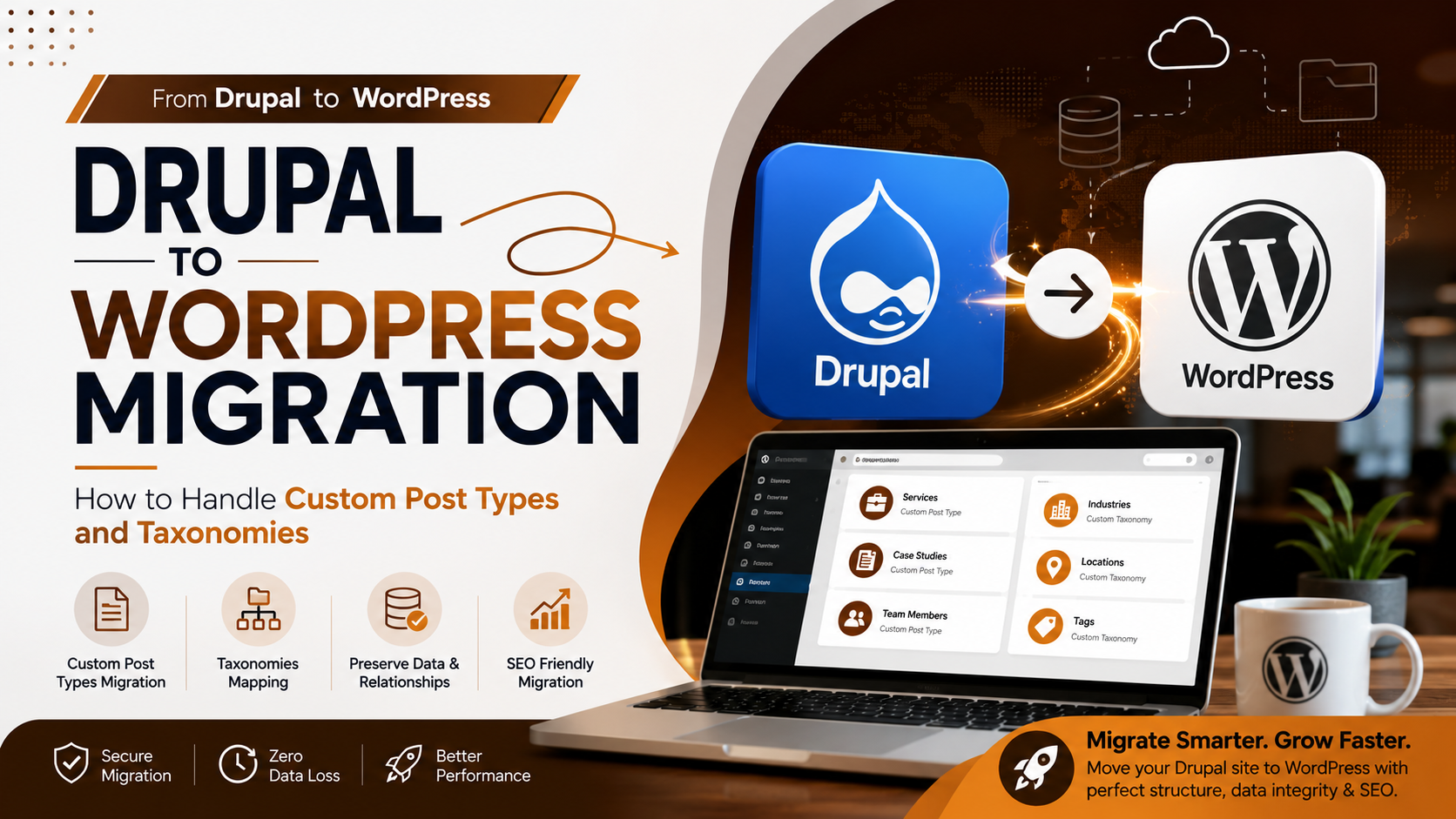
Migrating a website from Drupal to WordPress can be an excellent opportunity to modernise your website, improve content management, and create a more flexible digital platform. However, moving a complex Drupal website is not as simple as transferring pages and blog posts.
Many Drupal websites use custom content types, fields, taxonomies, and structured relationships to organise information. If these elements are not properly planned during migration, important content can be lost, website functionality may break, and SEO performance can be negatively affected.
This guide explains how to handle Custom Post Types and taxonomies when migrating from Drupal to WordPress.
Understanding Custom Post Types and Taxonomies
Drupal provides a flexible content architecture that allows businesses to create different types of content. A website might have content types for articles, services, case studies, products, events, team members, or resources.
When moving to WordPress, these different content structures can often be recreated using Custom Post Types (CPTs).
For example, if a Drupal website has a dedicated "Case Study" content type, it may be appropriate to create a "Case Study" Custom Post Type in WordPress. This allows the business to manage case studies separately from standard blog posts and pages.
Taxonomies are another important part of the migration. They help organise and group related content. Drupal websites may use categories, tags, industries, locations, services, or other custom classification systems.
In WordPress, these structures can be recreated using built-in categories and tags or by creating custom taxonomies.
1. Audit Your Drupal Content Before Migration
Before beginning the migration, perform a complete audit of your existing Drupal website.
Identify all content types currently being used and understand how each type functions. Review the fields associated with each content type and identify the taxonomies connected to them.
For example, a case study may include a client name, project location, project date, services provided, images, and an industry classification.
This audit helps determine which content should become standard WordPress Posts or Pages and which content requires a Custom Post Type.
It is also a good opportunity to remove outdated, duplicate, or low-value content before moving to the new platform.
2. Create the Right Custom Post Types
Not every Drupal content type needs to become a Custom Post Type.
Some content types may be better suited to standard WordPress Pages or Posts. However, content that has its own purpose, fields, archive pages, or filtering requirements may benefit from a dedicated Custom Post Type.
Common examples include:
-
Case Studies
-
Products
-
Services
-
Events
-
Team Members
-
Locations
-
Testimonials
-
Portfolio Projects
-
Resources
The goal should not be to recreate Drupal exactly. Instead, create a clean and logical WordPress structure that makes content easier to manage and navigate.
3. Map Drupal Fields Carefully
Drupal content types often contain custom fields that store important information. During migration, every field should be reviewed and assigned to the most appropriate WordPress structure.
For example, basic information such as the title and main body content can be transferred into the standard WordPress title and content areas. Information such as client names, project dates, locations, or other unique details may need to be recreated as custom fields.
Information used to group or filter content, such as industries or services, may be better handled through taxonomies.
Creating a detailed migration plan before importing content can help ensure that no important information is lost.
4. Recreate Drupal Taxonomies
Taxonomies are essential for organising large websites.
A Drupal website may use taxonomies to classify content by industry, service, location, topic, product type, or other categories.
During migration, review each Drupal taxonomy and determine whether it should become a standard WordPress category, tag, or custom taxonomy.
Avoid migrating unnecessary or duplicate taxonomy terms. Cleaning up the taxonomy structure before migration can make the new website easier to navigate and manage.
It can also help prevent the creation of unnecessary archive pages that provide little value to users or search engines.
5. Preserve Content Relationships
One of the most important parts of the migration is maintaining relationships between content and taxonomies.
For example, a case study related to the healthcare industry and web development services should retain those associations after moving to WordPress.
If these relationships are lost, visitors may have difficulty finding related content, and filtering or category-based navigation may stop working correctly.
After migration, review Custom Post Types and verify that the correct categories, tags, and custom taxonomy terms are assigned to each piece of content.
6. Protect Your Website URLs
URL structure is another critical consideration when migrating from Drupal to WordPress.
Whenever possible, maintain the existing URLs of important pages and content. If URLs need to change, create a comprehensive 301 redirect strategy.
For example, if a Drupal case study moves to a new WordPress URL, the old Drupal URL should redirect directly to the relevant new page.
Avoid redirecting every old URL to the homepage. Each redirect should lead users and search engines to the most relevant new destination.
After launch, monitor the website for 404 errors, redirect chains, and incorrect redirects.
7. Test Custom Post Types and Taxonomies
A successful migration is not complete when the content appears in the WordPress dashboard. The entire website should be tested from a user's perspective.
Check every Custom Post Type archive and individual page. Make sure images, custom fields, internal links, and related content are displayed correctly.
Taxonomy archive pages should also be reviewed to confirm that the correct content appears under each category or classification.
You should also test search functionality, filtering systems, pagination, mobile responsiveness, and navigation.
Final Thoughts
Handling Custom Post Types and taxonomies correctly is one of the most important parts of a Drupal to WordPress migration. A poorly planned migration can result in lost content, broken relationships, confusing navigation, and SEO problems.
The best approach is to begin with a detailed Drupal content audit, identify the right WordPress structure, carefully map custom fields, recreate necessary taxonomies, preserve content relationships, and protect important URLs with appropriate redirects.
With proper planning and thorough testing, businesses can successfully migrate from Drupal to WordPress while maintaining their existing content structure and creating a more flexible, scalable, and user-friendly website.
Frequently Asked Questions
1. Can Drupal Custom Content Types be migrated to WordPress?
Yes. Drupal content types can be migrated into WordPress as standard Posts, Pages, or Custom Post Types, depending on the structure and purpose of the content.
2. Can Drupal taxonomies be transferred to WordPress?
Yes. Drupal taxonomies can be recreated as WordPress Categories, Tags, or Custom Taxonomies. The associated content relationships should also be preserved during migration.
3. Will Drupal to WordPress migration affect SEO?
A migration can affect SEO if URLs, metadata, redirects, internal links, or other important SEO elements are not handled correctly. A well-planned migration can help minimise the risk of losing organic traffic and rankings.
4. Should every Drupal content type become a Custom Post Type?
No. Some Drupal content types may work better as standard WordPress Posts or Pages. Custom Post Types should be created when content requires a separate structure, custom fields, archive pages, or filtering options.
5. How can I prevent broken URLs after migration?
Create a complete URL mapping before migration and implement 301 redirects from important Drupal URLs to their corresponding WordPress URLs. After launch, monitor the website for 404 errors and redirect issues.
Ready to Migrate from Drupal to WordPress?
A successful Drupal to WordPress migration requires careful planning, technical expertise, and attention to your website's content structure and SEO. From Custom Post Types and taxonomies to URLs, redirects, and content relationships, every part of the migration should be handled strategically.
Ready to move your website to WordPress? Get started with a professional Drupal to WordPress migration and build a modern, scalable, and easy-to-manage website for your business.

 English
 Arabic
 French
 Spanish
 Portuguese
 Deutsch
 Turkish
 Dutch
Dutch
 Italiano
 Russian
 Portuguese (Brazil)
 Greek
Greek