


How to Recover a Recently Deleted Word Document: Where to Find Deleted Files
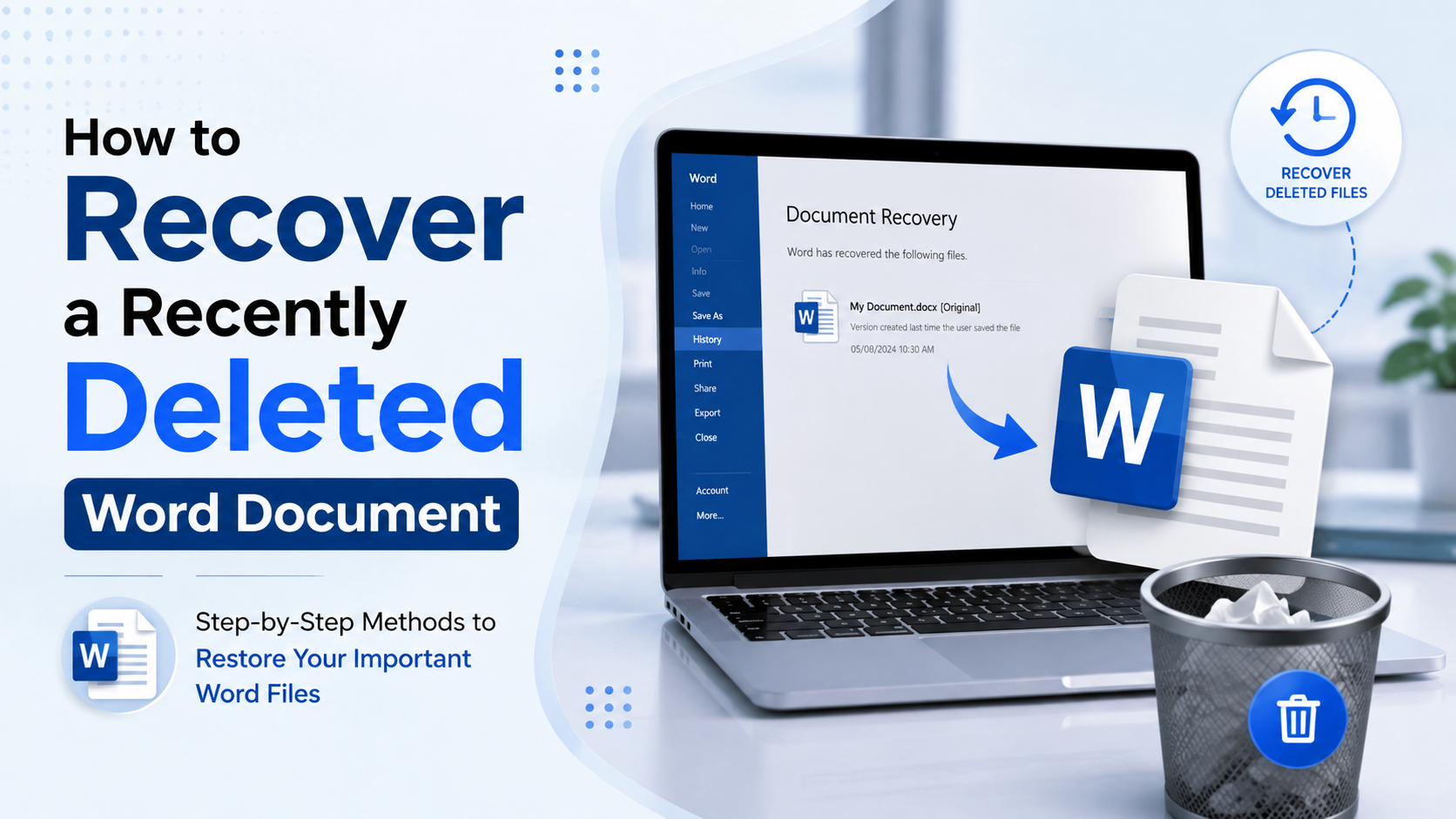
The loss of a valuable Word document can be distressing, particularly if it is a work document, personal information, or valuable information. Luckily, there is no need to worry that a document that you delete is gone for good. Depending on the method of deletion, it may be possible to recover it using Windows features, recovery tools provided by Microsoft Word, or specialized data recovery software.
The first thing you want to know when you have deleted your file is how to recover the recently deleted Word document. The introduction of fresh data might replace the space once occupied by your lost file, potentially complicating any future retrieval attempts.
Where Can I Find Deleted Word Files?
If you are asking where can I find deleted Word files, start with the Recycle Bin. Normally, instead of being deleted from Windows, a Word document will be moved there.
Notice that your deleted document is in the Recycle Bin. Search by the file name, or sort the content by the deletion date. Upon locating the file(s), right-click and choose Restore. The document should go back to the folder that it came from.
Files that have been deleted with Shift + Delete, removed from an empty Recycle Bin, or lost due to formatting may not show up in the Recycle Bin.
Check Microsoft Word’s Unsaved Files
Sometimes, temporary or unsaved versions of documents can be left in Microsoft Word. If the Word application has closed unexpectedly or the document has been deleted before being saved, this can be very helpful.
Open the Word application and look in the Recent section for the Word document. Other possibilities can be found for recovering unsaved documents. If a temporary version of Word is still available, you might be able to open it and save it again.
Restore the Document From a Backup
If you use the backup tools in Windows or another backup solution, see if you can find a copy of the Word document from an earlier date.
Sometimes other backup systems, like File History, can recover past versions of files. Deleted items may also be stored in cloud services for a period of time, depending on the retention policies for each service.
Use Data Recovery Software
If the file is not found in the Recycle Bin and there is no backup, data recovery software can find the deleted Word file. Data may still be on storage devices until new data is stored on top.
A recovery tool can search for recoverable files and can aid in recovering the files that cannot be accessed using Windows folders. If possible, install recovery software on a different drive for optimum recovery.
Recover Deleted Word Documents Safely
If you have deleted a Word document recently, knowing how to get it back will enable you to take quick action before the content is overwritten. Use Word's recovery options and the Recycle Bin; review available backups. If those methods are unsuccessful, it's possible to get one more opportunity with a dedicated recovery solution program.
If you have permanently deleted or lost documents, Notchox offers data recovery tools that are designed to scan storage devices and find recoverable data. Its document recovery function can come in handy when conventional document recovery techniques are inadequate.

 English
 French
 Spanish
 Portuguese
 Deutsch
 Turkish
 Dutch
Dutch
 Italiano
 Russian
 Romaian
 Portuguese (Brazil)
 Greek
Greek