


How to Link CSS to HTML?
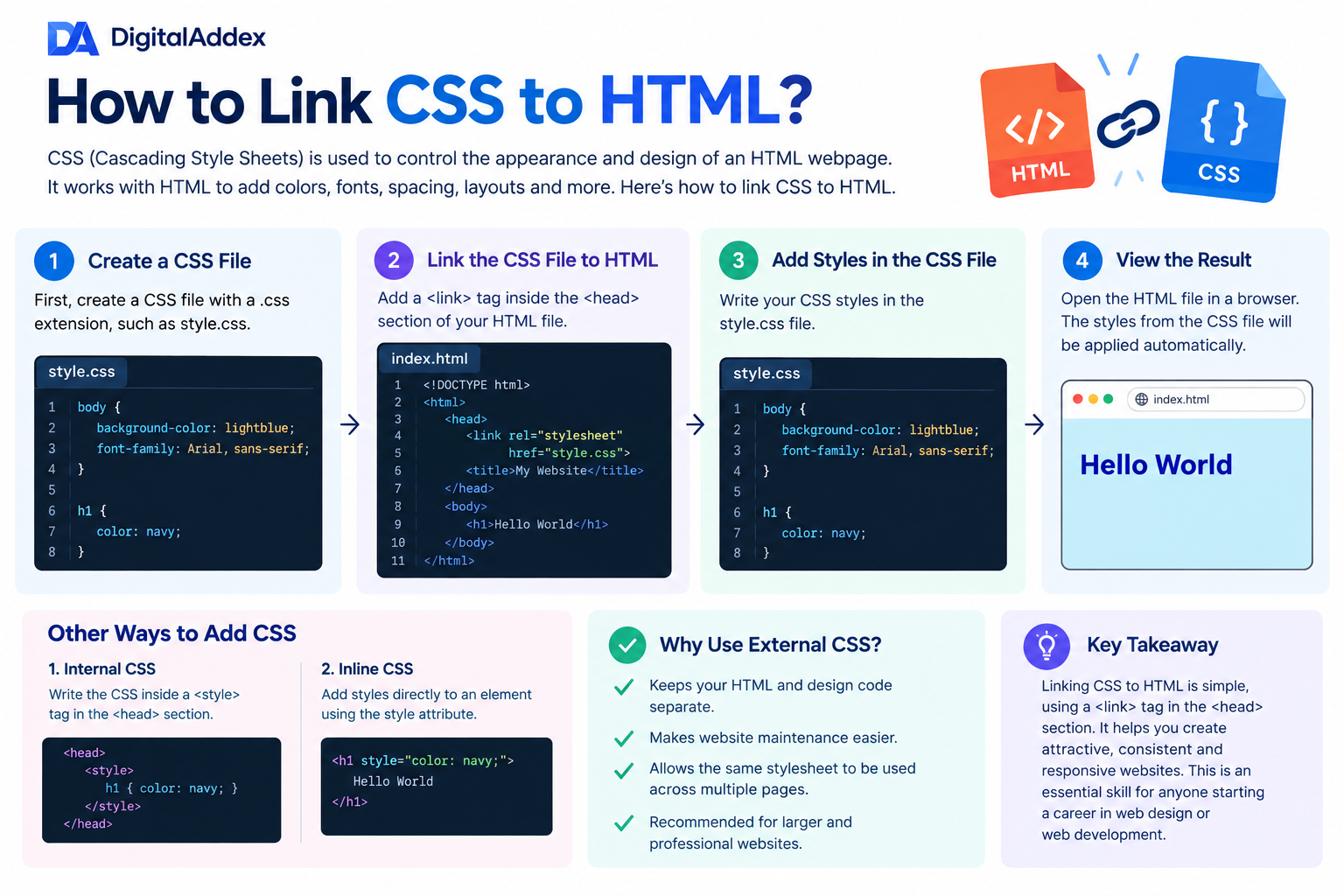
How to Link CSS to HTML? The appearance and design of an HTML webpage is controlled by CSS (Cascading Style Sheets). HTML gives structure and content to a website, CSS gives it colors, fonts, spacing, layouts, animations and other visual styles. One of the initial steps in learning web development is linking CSS to HTML.
The most popular and recommended method of linking CSS to HTML is with an external CSS file. Firstly, create a CSS file (style.css) with the extension .css. Next, link to your HTML page with a <link> tag inside the <head> tag of your HTML page.
For example:
<head>
<link rel="stylesheet" href="style.css">
</head>
rel="stylesheet" is an attribute that tells the browser that the linked file is a stylesheet. The href attribute points to a location and name of a CSS file.
The CSS can then be added to the style.css file. For example:
body {
background-color: lightblue;
font-family: Arial, sans-serif;
}
h1 {
color: navy;
}
The styles from the CSS file will automatically be applied when you view the HTML file in a web browser.
In addition to the two above-mentioned methods of embedding CSS in HTML, there are two other methods: internal CSS and inline CSS. Internal CSS is embedded in the <style> tag inside the <head> of the HTML. Inline CSS is applied directly to a specific HTML element in the 'style' attribute.
But for the most part, it is best to use external CSS since it separates the HTML from the design. It is also easier to maintain a website and can utilize the same stylesheet for several pages.
Learning how to properly connect the CSS to HTML will help you build appealing, consistent and responsive websites. This is a fundamental skill for all those beginning with a career in web design or web development.

 Arabic
 French
 Spanish
 Portuguese
 Deutsch
 Turkish
 Dutch
Dutch
 Italiano
 Russian
 Romaian
 Portuguese (Brazil)
 Greek
Greek