


How to Troubleshoot a Laptop That Suddenly Loses Battery Percentage
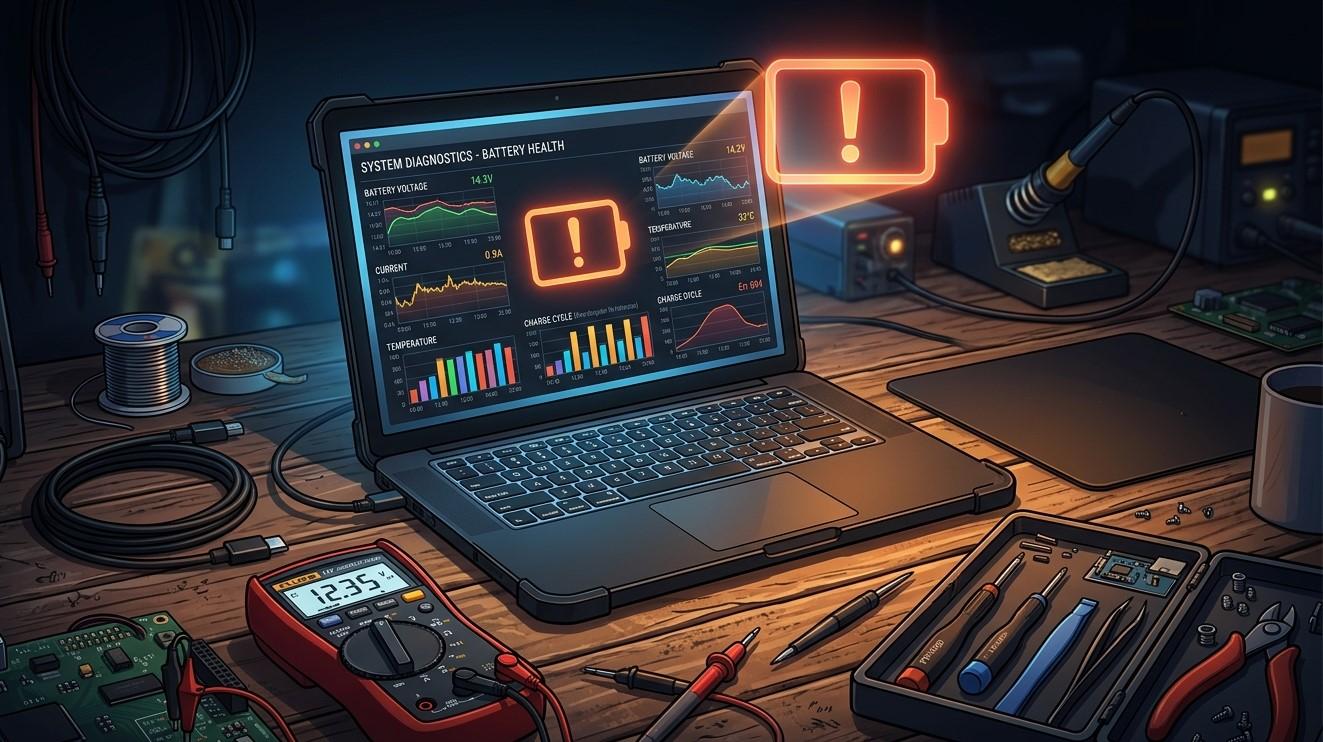
A laptop battery is designed to provide reliable power when you are away from an electrical outlet. However, it can be concerning when the battery percentage suddenly drops from one level to another, such as going from 60% to 30% within a short period. Unexpected battery percentage changes can be caused by battery wear, inaccurate battery calibration, background applications, power settings, charging problems, or hardware issues.
Occasional fluctuations may not indicate a serious problem, but repeated or dramatic percentage drops should not be ignored. Understanding the possible causes can help you troubleshoot the issue safely. If your laptop continues losing battery percentage unexpectedly, professional computer repair Albany NY services can inspect the system and determine whether the battery or another component needs attention.
Check Battery Health First
The first step is to determine whether the battery has lost significant capacity over time.
Laptop batteries naturally wear out after repeated charging and discharging cycles. As a battery ages, its maximum capacity gradually decreases. A battery that originally held several hours of charge may eventually provide considerably less runtime.
Windows laptops can provide useful battery information through a battery report. You can generate one using Windows tools and review information such as the original design capacity and current full-charge capacity.
If the current capacity is significantly lower than the original capacity, battery degradation may explain why the percentage appears to drop quickly.
Battery Calibration May Be Incorrect
Sometimes the displayed battery percentage does not accurately reflect the battery's actual remaining charge.
The battery management system estimates the remaining capacity based on voltage, usage patterns, and other information. Over time, these estimates can become less accurate.
For example, your laptop might display 50% remaining even though the battery's actual usable capacity is much lower. The percentage may then fall rapidly once the system recalculates the remaining charge.
A battery calibration process may help certain laptops report the remaining charge more accurately. However, calibration procedures vary between manufacturers, and repeatedly draining a lithium-ion battery to zero is generally not recommended as a routine maintenance practice.
Check the laptop manufacturer's instructions before attempting any battery calibration procedure.
Background Applications Can Drain the Battery Quickly
Another common reason for sudden battery loss is high background activity.
Applications may continue using CPU, memory, network connections, or graphics resources even when you are not actively using them. Cloud synchronization, video applications, browsers, system updates, and security scans can all increase power consumption.
Open Windows Task Manager by pressing Ctrl + Shift + Esc and review CPU and memory activity.
Close unnecessary applications and check whether battery consumption improves. If a specific program consistently consumes excessive resources, investigate whether it needs to remain active.
Reducing unnecessary background activity can extend battery life and reduce heat.
Check Your Display Brightness and Power Settings
The laptop display can be one of the largest sources of battery consumption.
High brightness, extended screen time, high refresh rates, and certain display features can increase power usage. If your battery suddenly appears to drain faster, check your display settings.
You can also review Windows power settings and select an appropriate power mode. A balanced or energy-saving mode may reduce processor activity and background power consumption.
Features such as screen timeout and sleep settings can also prevent the laptop from remaining active unnecessarily when you are away from it.
External Devices Can Consume Power
USB devices and other connected accessories can draw power from your laptop.
External hard drives, USB-powered lights, phones, wireless adapters, and other accessories may continue consuming battery power while connected.
Disconnect devices that you are not using and monitor whether the battery drain improves.
If the battery percentage continues dropping unusually quickly with all external accessories disconnected, another cause may be involved.
Check for Windows Updates and Driver Problems
Windows updates and device drivers can affect power management.
An outdated or incompatible driver may prevent hardware from entering lower-power states properly. Graphics drivers, chipset drivers, and power-management components can all influence battery consumption.
Check Windows Update for available updates. For manufacturer-specific drivers, use the laptop manufacturer's official support website.
Avoid downloading drivers from unknown websites. Installing an incorrect driver can create additional problems.
If you recently updated Windows and noticed sudden battery changes afterward, check whether additional updates or manufacturer fixes are available.
Inspect the Laptop's Charging System
A battery percentage that changes unexpectedly may sometimes be related to charging problems rather than the battery itself.
Check the charger, cable, power connector, and charging port for visible damage. Make sure the charger is designed for your laptop and provides the correct power rating.
If the laptop repeatedly switches between charging and discharging while connected to power, the charger, charging port, battery, or internal power circuitry may need inspection.
Do not continue using a visibly damaged power adapter or cable, particularly if it becomes unusually hot or shows exposed wiring.
Overheating Can Increase Battery Consumption
Excessive heat can affect laptop performance and power efficiency.
If the cooling system is blocked by dust, the fan may run constantly while the processor works harder to maintain safe temperatures. This can increase battery consumption.
Use the laptop on a hard, flat surface and keep ventilation openings clear. Avoid using it on blankets or soft surfaces that can restrict airflow.
If the laptop becomes unusually hot during simple tasks, professional laptop repair Albany services can inspect the cooling system, clean internal components, and check whether overheating is contributing to battery problems.
A Failing Battery May Cause Sudden Percentage Drops
If your battery percentage drops dramatically and repeatedly, the battery itself may be reaching the end of its useful life.
Common warning signs include:
- Battery percentage falling suddenly
- Very short battery runtime
- Laptop shutting down unexpectedly
- Battery refusing to charge fully
- Laptop operating normally only when plugged in
- Battery swelling or physical deformation
Battery swelling is particularly important. If the laptop's case or touchpad appears to bulge, stop using the device and seek professional assistance. Do not attempt to puncture, open, or remove a swollen lithium-ion battery yourself.
Professional technicians can determine whether the battery needs replacement.
Resetting Battery-Related Hardware Can Sometimes Help
Some laptops use embedded controllers to manage charging, power, and battery communication. A temporary firmware or controller issue can occasionally cause unusual battery readings.
Depending on the manufacturer, there may be an approved power-reset procedure. These procedures vary between models, so follow the manufacturer's official instructions rather than applying a generic method.
If the problem persists after an appropriate reset, hardware diagnostics may be necessary.
When Should You Contact a Professional?
Battery percentage changes are worth investigating when they happen frequently or are accompanied by other problems.
Consider professional computer repair Albany assistance if:
- The battery percentage changes dramatically without explanation.
- The laptop shuts down while showing significant remaining charge.
- The battery will not charge properly.
- The laptop becomes unusually hot.
- The charger repeatedly disconnects.
- Battery runtime has become extremely short.
- The battery appears swollen.
- Power problems continue after software troubleshooting.
A technician can test battery health, charging behavior, power circuitry, temperature levels, and related hardware.
Conclusion
A laptop that suddenly loses battery percentage can have several causes, ranging from inaccurate battery readings and background applications to an aging battery, charging problems, overheating, or driver issues. Start by checking battery health, monitoring resource usage, reviewing power settings, disconnecting unnecessary accessories, and keeping Windows and appropriate drivers updated.
If the battery continues to lose charge unexpectedly, do not ignore the problem. A degraded battery may eventually cause unexpected shutdowns or become a safety concern if physical swelling occurs.
For users who need assistance, experienced computer repair Albany professionals can diagnose battery and power-related problems and determine whether a replacement or repair is appropriate. Whether you need battery diagnostics, charging-port inspection, or laptop repair Albany services, professional troubleshooting can help restore dependable battery performance and extend the useful life of your laptop.

 English
 Arabic
 French
 Spanish
 Deutsch
 Turkish
 Dutch
Dutch
 Italiano
 Russian
 Romaian
 Portuguese (Brazil)
 Greek
Greek