


How Can Home Automation Systems Be Maintained Over Time?
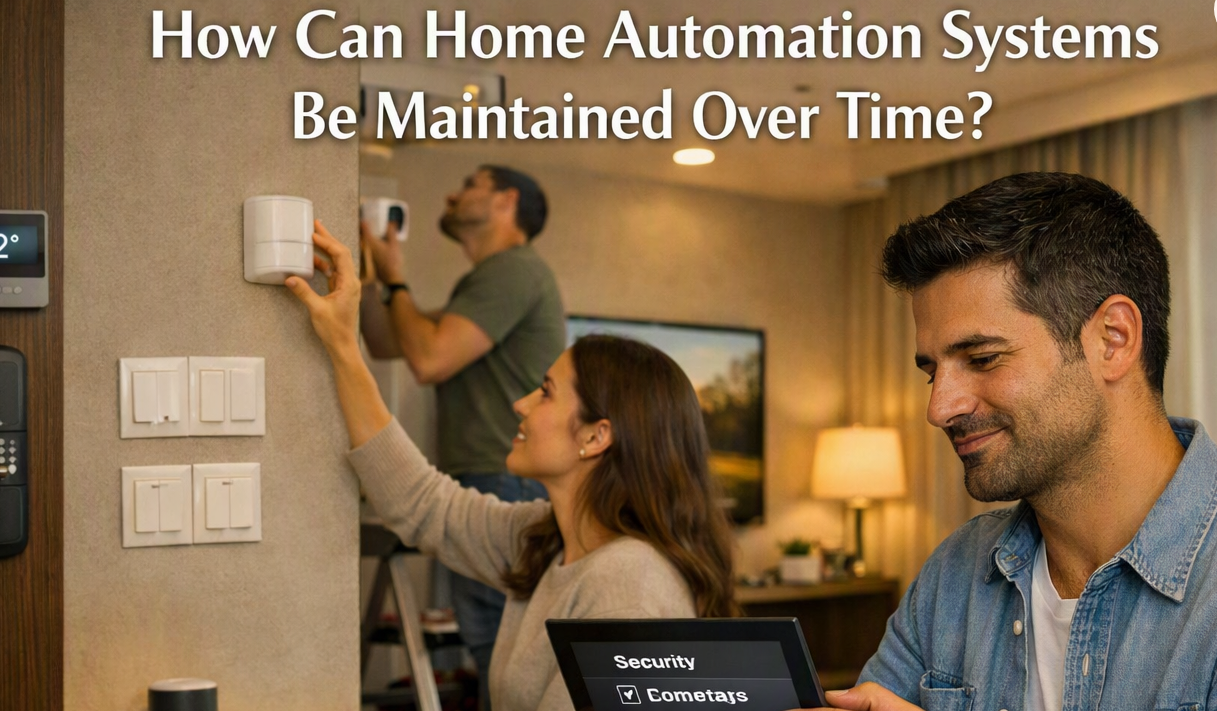
Home automation can make everyday tasks easier by connecting lights, security devices, climate controls, entertainment systems, and other equipment. Like any technology, these systems need regular care to keep working properly. Maintenance does not always mean making major changes. Simple checks, software updates, cleaning, and occasional testing can help prevent small problems from becoming bigger ones.
Check Connected Devices Regularly
A home automation system may include many devices working together. Lights, sensors, switches, cameras, smart locks, thermostats, and control panels should be checked from time to time.
Test each important device and see if it responds correctly. For example, check whether lights turn on when a command is given or whether a motion sensor detects movement properly. If one device stops responding, checking it early can make the problem easier to identify.
It is also useful to remove devices that are no longer being used. Old or unused equipment can make the system harder to manage.
Keep Software and Apps Updated
Many connected devices use software to communicate with a control system or mobile app. Manufacturers may release updates to improve performance, fix errors, or add support for newer devices.
Check the control app and connected equipment for available updates. Where possible, use the recommended update process from the device manufacturer. Keeping software current can also help devices communicate properly with other parts of the system.
Before making a major software change, it is sensible to check whether the update affects existing settings or automation routines.
Inspect Wiring and Power Connections
Wired automation systems depend on stable electrical and network connections. Loose cables, damaged wires, or power interruptions can cause devices to work incorrectly.
Look for visible signs of cable damage around accessible equipment. Network connections can also be checked if a device frequently loses communication.
Electrical work should not be handled casually. If there is a problem with fixed wiring, power supplies, or electrical panels, a qualified professional should inspect it rather than attempting an unsafe repair.
Test Automation Routines
Automation routines are designed to perform actions based on a schedule, sensor, or user command. Over time, these routines may stop matching how people use a home.
For example, a lighting schedule created several years ago may no longer be useful. A routine might turn lights on at a time when nobody is home, or a sensor-based action may no longer be needed.
Review important routines every few months. Check schedules, sensor triggers, device names, and actions. Remove routines that are no longer useful and adjust settings when household needs change.
Clean Sensors and Devices
Dust can collect on sensors, cameras, control panels, and other equipment. In some cases, dirt can affect how a sensor or camera works.
Use a soft, dry cloth to clean accessible surfaces. Follow the cleaning instructions provided with each device, especially for cameras and touchscreens.
Avoid using water or cleaning products directly on electronic equipment unless the manufacturer specifically says they are safe. Keeping devices clean is a small task, but it can help them remain reliable.
Check Network Performance
Many home automation devices communicate through a home network. If the network becomes slow or unreliable, connected devices may also respond slowly or lose connection.
Check whether certain devices frequently disconnect. If several devices have problems at the same time, the network may need attention rather than the individual devices.
Keep the router and network equipment in a suitable location with enough ventilation. It is also useful to review connected devices and remove equipment that is no longer needed.
Review User Access and Settings
Home automation systems often allow more than one person to control connected devices. Over time, people may change phones, accounts, or access permissions.
Review who has access to the system and remove accounts that are no longer required. Check important settings such as passwords, user permissions, and device access.
This is especially useful for systems that control entry points, cameras, alarms, or other home security equipment.
Keep a Simple Maintenance Record
A basic record can make future maintenance easier. Write down the main devices in the system, installation dates, important settings, software versions, and any repairs that have been completed.
This information can help when a device needs to be replaced or when a problem appears later. It also gives a clear picture of how the system has changed over time.
Regular checks do not need to be complicated. Testing devices, updating software, checking connections, cleaning equipment, and reviewing settings can help Home automation systems remain useful as household needs change.

 English
 Arabic
 French
 Spanish
 Portuguese
 Turkish
 Dutch
Dutch
 Italiano
 Russian
 Romaian
 Portuguese (Brazil)
 Greek
Greek