


How to Check If a Web Page Is Blocked From Search Engines
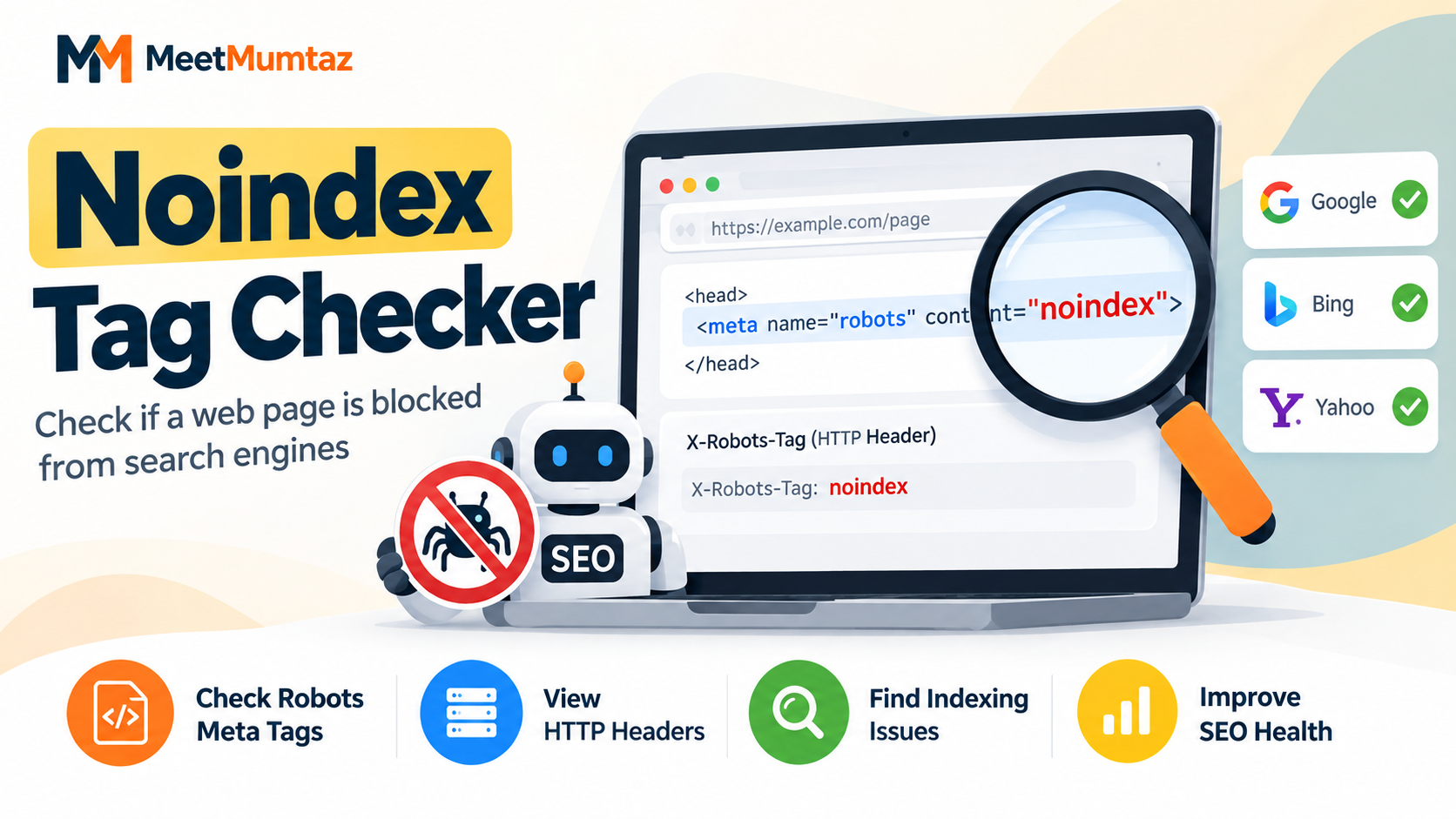
Publishing a web page does not automatically mean that it can appear in Google or other search engines. A page may be live and accessible to visitors while still containing instructions that tell search engines not to index it.
This is why checking indexability should be part of every website owner's technical SEO routine. A simple noindex directive left on an important page can prevent useful content from receiving organic search traffic.
What Does Noindex Mean?
Noindex is a directive used to tell search engines that a particular page should not be included in their search results.
One common implementation is a robots meta tag placed inside the <head> section of a webpage:
<meta name="robots" content="noindex">
When a search engine crawls a page and processes this directive, the page can be excluded from its search index.
Noindex itself is not necessarily an error. It is useful for pages that website owners intentionally do not want appearing in search results. Problems begin when it is accidentally applied to pages that are supposed to attract visitors from search engines.
Why Pages Can Accidentally Become Noindexed
Noindex directives can appear for several reasons. A developer may use them while a website is under development, an SEO plugin may change indexing settings, or a staging configuration may accidentally remain active after a site goes live.
Website migrations and redesigns can also introduce indexing problems if old settings are carried over to the new version.
For that reason, checking only whether a URL loads successfully is not enough. A page returning a normal 200 status code can still contain a noindex directive.
How to Check a Page for Noindex
One method is to open the page source and search for terms such as noindex or robots. This works, but manually inspecting source code becomes inconvenient when you need to investigate multiple pages.
For a quicker check, a Noindex Checker can help inspect a webpage for indexing directives without requiring you to manually search through its HTML source.
This can be particularly useful after publishing a new article, updating SEO settings, redesigning a website, or moving a site from staging to production.
Check the Robots Meta Tag
The robots meta tag is one of the first places to investigate.
For an important public page, you generally want to make sure it does not unintentionally contain a noindex instruction. Pay attention to combinations such as:
noindex, follow
or:
noindex, nofollow
The first controls indexing while still allowing links to be followed. The second can restrict both indexing and link following.
Understanding the actual directive is therefore more useful than simply checking whether a robots tag exists.
Don't Forget the X-Robots-Tag
Indexing instructions are not limited to HTML meta tags. A website can also send an X-Robots-Tag through its HTTP headers.
This means that inspecting only the visible HTML may not always reveal every indexing instruction affecting a URL.
When troubleshooting a page that refuses to appear in search results, it is worth reviewing both its HTML directives and relevant HTTP headers.
Noindex and Robots.txt Are Different
A common SEO mistake is treating noindex and robots.txt as if they perform the same function.
They do not.
A noindex directive deals with whether a page should be included in a search engine's index. A robots.txt rule primarily controls crawler access to specified areas of a website.
This distinction matters because blocking crawling can sometimes prevent a search engine from seeing indexing instructions placed on the page itself.
When Should You Check for Noindex?
Indexability checks are particularly useful after launching a website, publishing important landing pages, migrating to a new domain, changing an SEO plugin, modifying WordPress visibility settings, or moving a staging website to production.
It is also worth checking pages that unexpectedly disappear from search results.
Catching an accidental noindex directive early can save a considerable amount of troubleshooting later.
Final Thoughts
Technical SEO problems are not always visible from the front end of a website. A page can look perfectly normal to visitors while containing instructions that affect how search engines process it.
Regularly checking important URLs for noindex directives, robots settings, HTTP headers, canonical tags, and crawlability can help identify problems before they affect organic visibility.
For website owners and bloggers, a short technical check before and after publishing important content is a simple habit that can prevent avoidable indexing issues.

 English
 Arabic
 French
 Spanish
 Portuguese
 Deutsch
 Turkish
 Dutch
Dutch
 Italiano
 Russian
 Portuguese (Brazil)
 Greek
Greek