


QuickBooks Enterprise vs Premier: What's the Real Difference?
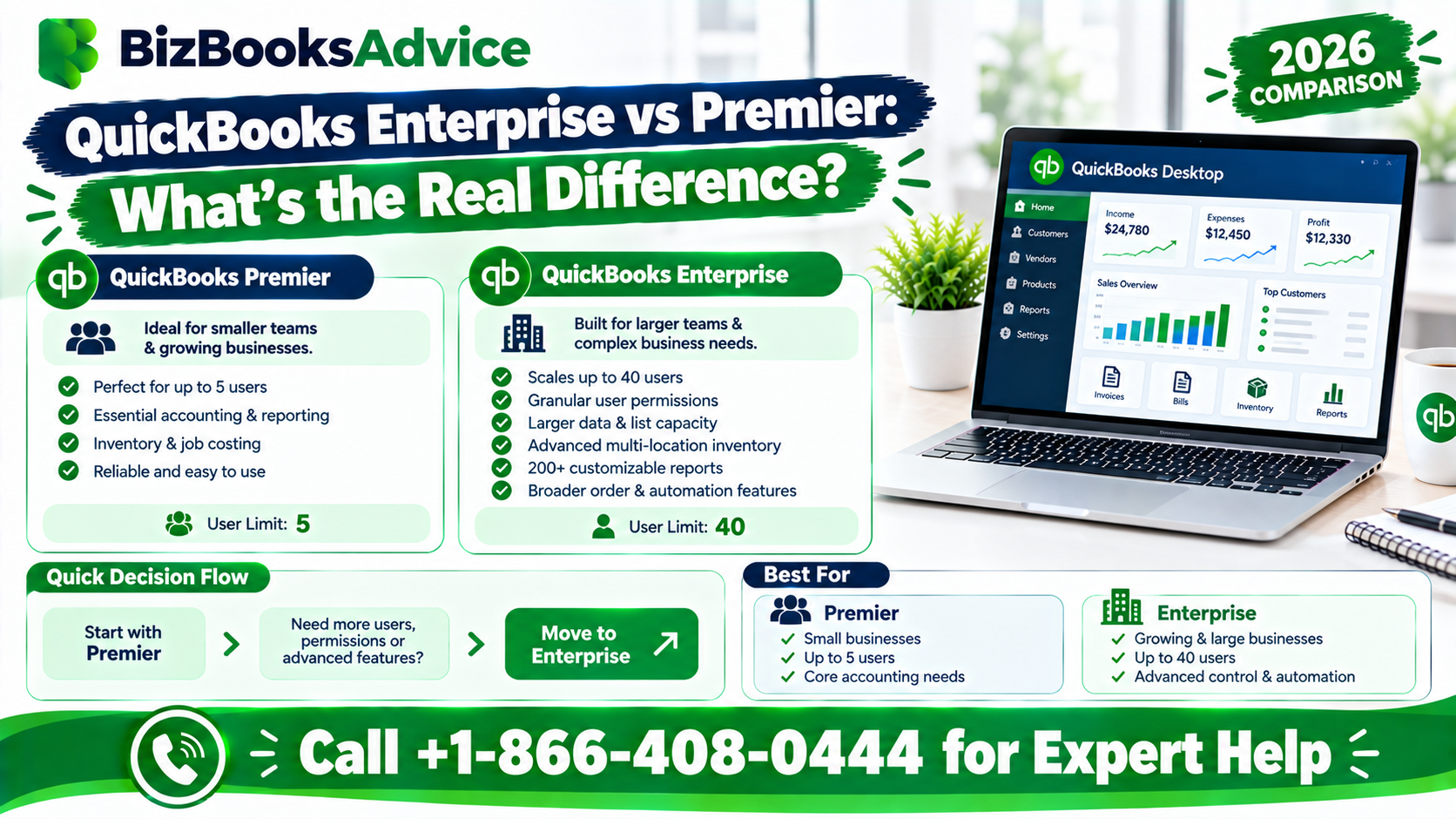
QuickBooks Enterprise vs Premier comes down to one core question: how big is your business, and how much room do you need to grow into. Both are part of the QuickBooks Desktop lineup, built on the same underlying software, but Enterprise scales further in nearly every direction, at a correspondingly higher price. This guide breaks down the real differences so you can tell whether Premier is enough for you, or whether you'll outgrow it quickly.
QuickBooks Enterprise vs Premier, the short version
Premier is built for small to mid-sized businesses with a handful of simultaneous users and standard reporting needs. Enterprise is built for larger operations that need more users, deeper inventory control, bigger company files, and more granular control over who can see and do what inside the software.
User capacity
This is usually the first wall businesses hit. QuickBooks Premier supports a limited number of simultaneous users, generally up to five. QuickBooks Enterprise supports considerably more, with current Intuit listings showing support for a much larger user count, into the dozens. If your team is already brushing up against Premier's user limit, or you expect to add staff who'll need simultaneous access, that alone can settle the question.
Company file size and data capacity
Enterprise is built to handle significantly larger company files than Premier, with a much higher ceiling on the number of list items, such as customers, vendors, and inventory items, a file can hold. If your business manages a large product catalog, a long customer list, or years of detailed transaction history in one file, Enterprise's higher capacity avoids the performance problems that can creep into a Premier file pushed past its comfortable limits.
Inventory management
Both versions handle basic inventory. Enterprise goes considerably further with advanced inventory features, including more detailed tracking across multiple warehouse locations, barcode scanning support, and more sophisticated costing methods. A business that's outgrown simple inventory tracking, particularly one managing multiple locations or needing tighter control over stock movement, tends to find Premier's inventory tools limiting.
Pricing capabilities
Enterprise includes advanced pricing tools that Premier doesn't offer, such as the ability to set pricing rules by customer, quantity, or other conditions rather than relying on a single price list. For a business with complex pricing structures, such as volume discounts or customer-specific rates, this is a meaningful functional gap between the two.
User permissions and security
Enterprise offers considerably more granular control over what each user can see and do within the software, letting you restrict access down to specific screens, reports, or functions. Premier's permission settings are simpler and less granular, which is fine for a small team but can become a real limitation as more people, with different roles, need access to the file.
Industry editions
Both Premier and Enterprise offer industry-specific editions, tailored for businesses such as contractors, manufacturers, nonprofits, and retailers, with features and reports built around those industries. Enterprise generally extends these industry-specific tools further than Premier's equivalent editions.
Reporting
Both include a substantial library of built-in, industry-specific reports. Enterprise's reporting tools go further, offering more advanced report customization and, in some editions, access to more sophisticated financial reporting tools than what Premier provides out of the box.
Managing multiple company files
Enterprise makes it easier to work across more than one company file under a single license, which matters for a business that operates multiple legal entities or wants to keep separate books for different divisions. Premier is more oriented toward managing a single company file well.
Pricing
Enterprise costs meaningfully more than Premier, reflecting its broader feature set and higher capacity. Exact pricing varies by user count, by whether you choose a specific industry edition, and changes periodically, so check Intuit's current pricing directly rather than relying on a number that may be out of date by the time you're comparing. As a general pattern, Premier's cost scales modestly with added users, while Enterprise's cost scales more steeply as you add users and features, particularly at higher user counts.
Support and training
Enterprise subscriptions typically include access to more extensive support resources and training materials than Premier, reflecting the more complex feature set larger businesses are expected to use.
QuickBooks Enterprise vs Premier: when Premier is enough
- Your team has five or fewer people who need simultaneous access
- Your inventory needs are straightforward, without multiple warehouse locations or complex costing
- Your company file size is modest and not approaching performance limits
- You don't need granular, role-based permission controls
- Your pricing structure doesn't require customer-specific or quantity-based rules
QuickBooks Enterprise vs Premier: when Enterprise makes more sense
- You need more simultaneous users than Premier supports
- You manage inventory across multiple locations or need advanced costing and tracking
- Your company file has grown large enough that Premier feels sluggish
- You need tight, role-specific control over who can see and do what
- You manage more than one company file and want that under a single license
- Your pricing structure involves customer-specific or volume-based rules Premier can't handle
Can you upgrade from Premier to Enterprise later?
Yes. Intuit supports moving from Premier to Enterprise, and your existing company file generally carries over into the new version rather than needing to be rebuilt from scratch. This means you don't need to get the decision perfect on day one. A business that starts on Premier and genuinely outgrows it can move to Enterprise without losing its accounting history.
A note on Premier's availability
Some current industry coverage indicates Intuit has been steering new customers toward Enterprise, with Premier's long-term availability to new purchasers in question. If you're evaluating these two options for a brand-new purchase, confirm directly with Intuit or an authorized reseller which options are currently being sold, since this can change.
When to get professional help
If QuickBooks Enterprise vs Premier is still an open question for your business, or you're mid-decision and want someone to walk through your actual transaction volume, user count, and inventory complexity with you, a QuickBooks professional can help you choose correctly the first time rather than upgrading twice. You can reach BizBooksAdvice at +1-866-408-0444.
Frequently asked questions
Is the QuickBooks Enterprise vs Premier choice really just about size?
Largely yes. Enterprise is built on the same underlying QuickBooks Desktop foundation as Premier, extended with higher user capacity, bigger file limits, more advanced inventory and pricing tools, and more granular permissions.
How many users does each version support?
Premier supports a smaller number of simultaneous users, generally up to five. Enterprise supports considerably more. Exact current limits are worth confirming directly with Intuit, since specifications can be updated between releases.
Is QuickBooks Enterprise worth the higher cost?
It depends on whether your business actually needs its added capacity: more users, bigger files, advanced inventory, or granular permissions. A business that doesn't need those things is often better served by Premier's lower cost.
Can I migrate my data if I switch from Premier to Enterprise?
Yes, upgrading from Premier to Enterprise is supported, and your company file generally carries over rather than requiring a rebuild.
Does Enterprise replace Premier entirely?
Some recent coverage suggests Intuit has been directing new customers toward Enterprise, with Premier's future availability uncertain. Confirm current purchasing options directly with Intuit before deciding.

 English
 Arabic
 French
 Spanish
 Portuguese
 Deutsch
 Turkish
 Dutch
Dutch
 Russian
 Romaian
 Portuguese (Brazil)
 Greek
Greek