


A Practical Guide to CRM Automation, Integration, and Customization in 2026
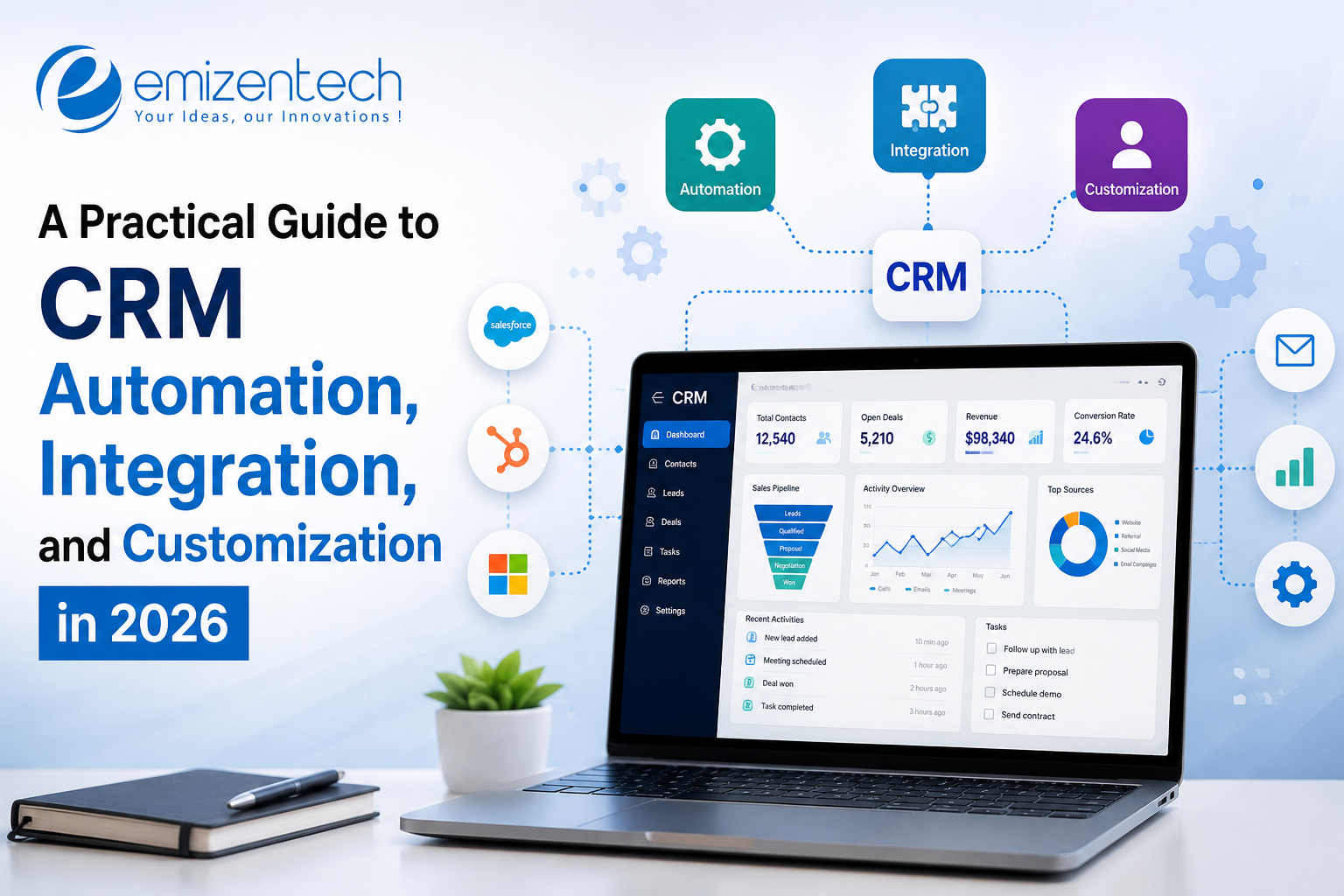
Most deals aren't lost because the pitch was bad. They're lost because a lead sat in someone's inbox for two days, or a follow-up got buried under forty other tasks. That's the problem CRM automation is supposed to fix, and in 2026 the tools are good enough that the question has shifted. It's less about whether to automate and more about what to automate first, how to hook the CRM up to everything else, and how much to bend it to your own way of working. That's what this guide covers.
What Does CRM Automation Really Mean?
Strip away the jargon and CRM automation just means the software does the boring, repetitive stuff so your team doesn't have to. Someone fills in a form and a contact gets created. A deal goes quiet and a reminder pops up. A contract gets signed and onboarding starts. Nobody retypes anything, and nobody has to remember.
I find it easier to think of it as three separate jobs. CRM workflow automation is the rules part, like "when a deal hits proposal stage, create a follow-up task." Integration is about moving data between the CRM and your billing, email or support tools. Customization is changing fields and screens so the CRM looks like your business and not someone else's. You usually need all three, and they depend on each other. Automate on top of messy data and things break quietly. Quiet failures are the worst kind, because you only find out when a customer complains.
Which Tasks Should You Automate First?
Start small. Look at where your team actually loses time, or where leads tend to slip through, and fix two or three of those gaps first. You get quick wins, people see it working, and you've built some trust before tackling anything bigger.
- Lead routing: New leads go to the right rep by region, deal size or product interest, within minutes rather than hours.
- Follow-up sequences: Sales workflow automation sets up the next call or email after every stage change, so prospects don't vanish after one touch.
- Deal hygiene: If a deal has had no activity for two weeks, someone gets pinged. Keeps the pipeline honest.
- Handoffs: Once a deal closes, customer success gets the contract, the context and a task list. No forwarded emails.
- Renewals and upsells: Triggers tied to contract dates or usage give account managers a head start.
Here's a rough test. If a task is repetitive, follows clear rules and comes up more than a few times a week, automate it. If it needs judgment or a bit of empathy, leave it with a human. And if you want the technical side, this guide on building a CRM workflow automation system goes into architecture and development choices.
How Do You Pick the Right CRM Automation Software?
There are a lot of options. Salesforce, HubSpot, Zoho and Dynamics 365 all have automation builders, and newer AI-first tools are adding agents that act on your data. Feature lists are a poor way to choose between them, though. Ask these instead:
- Can non-technical people build and edit workflows, or does every little change need a developer?
- What happens when something breaks? Decent CRM automation software tells you what failed and why.
- What are the limits? Plenty of plans cap automation runs, API calls or active workflows.
- Will it still work at scale? Something that suits ten reps can crawl at a hundred.
Check pricing carefully too. Add-ons and AI tiers usually cost extra, and the bill creeps up as the team grows.
How Is AI Changing CRM Automation?
Rules-based automation covers the predictable stuff. AI is starting to cover the fuzzier parts. Lead scoring models rank prospects by how likely they are to buy, assistants draft follow-up emails using account history, and agents can summarize call notes or flag deals that look shaky. That's where CRM process automation is heading: less clicking around, more reviewing.
I'd be careful, though. AI output is only as good as the data behind it, so have someone read anything customer-facing until you trust it. Start with low-risk jobs like summaries and scoring.
How to Connect Your CRM With Your Other Tools
A CRM works best when it shares data with the tools your team already uses daily. Your website, email platform, accounting software, support desk and ERP each hold a piece of the customer story. Connect them and nobody has to copy details from one screen to another. Everyone sees the same, current record.
There are three main ways to do it:
- Native connectors: Quickest, usually a few clicks, but limited to whatever the vendor supports.
- Middleware platforms: Zapier or Make work well for lighter needs and need very little code.
- Direct API integration: More effort, but you control speed, security and error handling. That matters when you're syncing thousands of records.
And before you build anything, sort these out:
- Source of truth: Decide which system owns each type of data, so updates don't fight each other.
- Field mapping: "Company name" in one tool rarely matches another exactly. Map them by hand.
- Duplicates and failed syncs: Plan for both up front, including what happens when a record doesn't go through.
- Sync timing: Real-time suits things like lead alerts. Batch updates are fine for reporting data.
- Logging: Record every sync. An integration you can't see is one you can't trust.
- Security and compliance: Limit permissions, rotate credentials, and check that any tool touching customer data meets your obligations, GDPR included for UK and EU customers.
How to Customize Your CRM Without Making a Mess
Out-of-the-box setups almost never fit perfectly. You might need custom objects for projects or policies, different deal stages, or dashboards showing what your managers actually look at. Fair enough. The mess starts when every request becomes a new field, and every field sticks around forever.
My rule is simple: customize to support a process you've already defined, not to avoid defining one. Write down each change and who asked for it. Go through your fields every quarter and bin the ones nobody uses.
Sometimes configuration just isn't enough. If you've got legacy systems, odd data models or heavy compliance needs, it can be worth it to hire CRM developers who can build custom modules, connectors and automation logic the standard admin panel can't do. Give them a clear brief, though, so the work follows your process instead of inventing one.
A Step-by-Step Plan to Roll It Out
Rolling this out in stages is safer than flipping everything on at once. You catch errors early, hear from the people actually using it, and fix things while they're still small. Here's the order I'd follow.
- Map your current process and mark where time gets lost.
- Clean your data before automating anything.
- Build two or three high-impact workflows first.
- Test with a small team for a few weeks.
- Train people on the why, not just the clicks.
- Track response times, conversion rates and admin hours saved, then adjust.
Keep the first version boring. Simple workflows are easier to test, easier to explain, and much easier to fix when something misfires.
Final Thoughts
CRM automation works best when you treat it as a business decision, not a software setting. Start small, connect your systems carefully, customize with some restraint, and measure what actually changes. If you'd like experienced people on the technical side, a development partner like Emizentech can help plan and build automation and integrations around how your team already works.
Frequently Asked Questions
1. What is CRM automation?
Software rules that handle repetitive CRM tasks like lead assignment, follow-up reminders, data entry and status updates. It saves time and cuts down missed follow-ups.
2. What is the difference between CRM workflow automation and integration?
Workflow automation triggers actions inside the CRM, like creating a task when a deal changes stage. Integration connects the CRM to outside systems so data moves between them.
3. How do I choose the right CRM automation software?
Match it to your process, not the feature list. Check how easy workflows are to build and debug, what the usage limits are, and what it costs once your team grows.
4. Can small businesses benefit from sales workflow automation?
Yes, often more than big teams, since they have less spare time. Start with lead capture, follow-ups and reminders, then expand slowly.
5. When should a business bring in custom development?
When standard configuration can't cope, for example with legacy systems, complex data models, strict compliance rules or high-volume syncing.

 English
 Arabic
 French
 Spanish
 Portuguese
 Deutsch
 Turkish
 Italiano
 Russian
 Romaian
 Portuguese (Brazil)
 Greek
Greek