


JavaScript SEO for React and Next.js Websites
Your developers built a fast, beautiful React site. It feels like an app, the animations are smooth, and everyone on the team loves it. Three months later, half your pages aren't indexed, and the ones that are show blank snippets in search.
It's a common story. Modern JavaScript frameworks are great for users, but they can quietly hide your content from search engines if they're set up the wrong way. And the problem is bigger than Google now, because AI tools read your site too.
A good SEO agency in Delhi works with developers to prevent exactly this. In this guide, you'll learn how search engines handle JavaScript, which React and Next.js setups are SEO-safe, and a checklist you can hand to your dev team. It's written for non-developers too, so jargon gets explained.
How Google Handles JavaScript
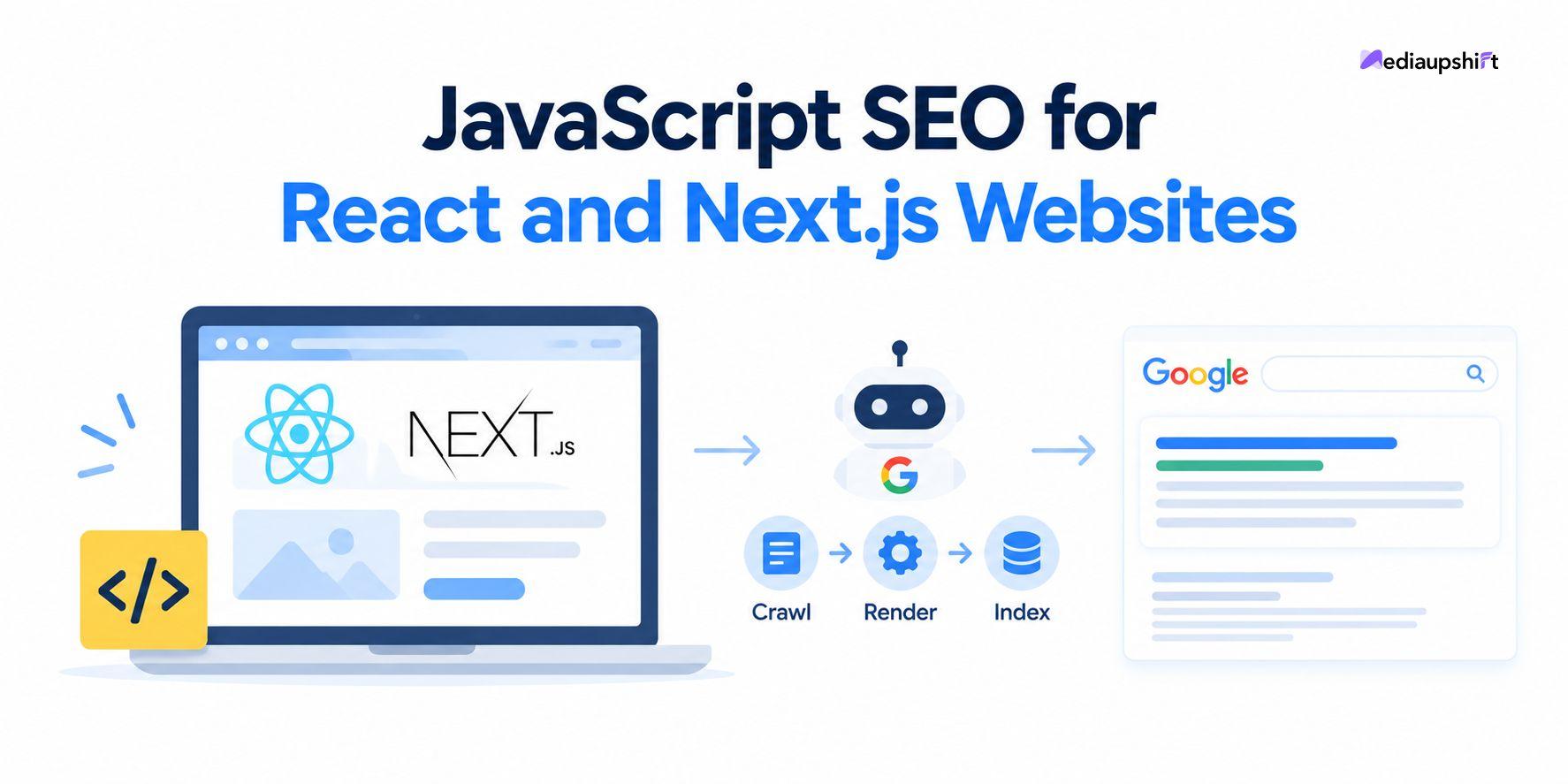
When Googlebot visits a page, it follows three steps, as Google explains in its documentation: crawling, rendering and indexing.
- Crawling: It fetches the page's HTML.
- Rendering: It runs the JavaScript, using a headless version of Chrome, to see the final page.
- Indexing: It stores the content it found.
Google can process JavaScript, but rendering takes extra time and resources, and it only works if the content and links are actually available once the script runs. If something goes wrong, your content might be indexed late, partly or not at all.
The safest approach is simple: put your important content in the HTML the server sends, and use JavaScript to enhance it.
The Problem With Client-Side React Apps
A standard React single-page app often sends a nearly empty HTML shell. The browser then downloads JavaScript, fetches data and builds the page. This is called client-side rendering (CSR).
Common SEO problems with it:
- Content missing from the initial HTML, so crawlers that don't run JavaScript see little or nothing
- The same title and description on every route if metadata isn't set per page
- Links that aren't real links, built with click handlers instead of proper anchor tags
- Slow load and poor interactivity from heavy JavaScript bundles
- Soft 404 errors, where missing pages return a "200 OK" status instead of a real 404
Rendering Options Explained
Next.js, a popular React framework, lets you choose how each page is built.
| Method | What it means | SEO fit | Best for |
|---|---|---|---|
| CSR (client-side rendering) | Browser builds the page after load | Risky for important content | Logged-in dashboards, interactive tools |
| SSR (server-side rendering) | Server builds the HTML on each request | Strong | Frequently changing pages, personalised content |
| SSG (static site generation) | Pages built ahead of time as HTML | Very strong, fast | Blogs, service pages, landing pages |
| ISR (incremental static regeneration) | Static pages that refresh periodically | Very strong | Large catalogues, content that updates often |
For marketing pages, such as services, products, blogs and location pages, SSG, ISR or SSR are usually the right choices.
Why This Matters Even More in the AI Search Era
Google isn't the only crawler anymore. Research by Vercel and MERJ, published in December 2024, found that none of the major AI crawlers they tested executed JavaScript. That included OpenAI's GPTBot and Anthropic's ClaudeBot, which downloaded JavaScript files in 11.5% and 23.84% of their requests but didn't run them. Google's Gemini was the exception, because it uses Googlebot's rendering infrastructure.
Translation: if your content only appears after JavaScript runs in the browser, some AI tools may see a blank page. That's a big issue if you want to be cited in AI answers.
This is a snapshot from one study, and crawler behaviour changes, so check the latest research. But the safe practice is the same: render key content on the server. Providers offering AI SEO services India wide, or any GEO agency India brands consult, should check this early.
The Next.js SEO Checklist
Here's what your developers and SEO team should confirm.
1. Server-render important content
Make sure headings, body text, product details and internal links appear in the HTML source. In Next.js's App Router, components render on the server by default, so be careful about what you move into client components.
2. Set unique metadata for every page
Use Next.js's Metadata API (such as generateMetadata) to give each route its own title, description, canonical URL and social tags.
3. Use real links
Use proper <a href> links, or Next.js's Link component, which renders standard anchors. Avoid navigation that only works through JavaScript click events.
4. Create clean, crawlable URLs
Use readable paths. Avoid hash-based routes (#/page) for content you want indexed.
5. Return the right status codes
Missing pages should return a real 404, and moved pages should use proper 301 redirects. Next.js provides tools such as notFound() for this.
6. Generate XML sitemaps and a robots.txt
Next.js can generate both. Make sure your sitemap lists only indexable URLs.
7. Don't block resources
Don't block your JavaScript and CSS files in robots.txt, because Google needs them to render pages properly.
8. Be careful with noindex
If your HTML says noindex and JavaScript later removes it, Google may never process the change. Set indexing directives correctly in the initial HTML.
9. Add structured data
Use JSON-LD for organisation, local business, products, articles and FAQs, output in the server-rendered HTML, and only where it matches visible content.
10. Optimise images and performance
Use next/image for responsive, compressed images, and keep JavaScript bundles lean. Heavy scripts hurt responsiveness and Core Web Vitals, especially on mid-range phones.
11. Handle multilingual and location pages
If you serve Hindi and English or multiple cities, use proper URLs and hreflang annotations, and make sure each version is server-rendered.
What About Dynamic Rendering?
Dynamic rendering means serving a pre-rendered version to bots and the JavaScript version to users. Google describes it as a workaround, not a long-term solution, and recommends server-side rendering, static rendering or hydration instead. It can help in legacy situations, but it adds complexity.
How an SEO Agency in Delhi Audits a React or Next.js Site
A solid audit checks what search engines actually see, not just what your browser shows.
- Compare "view source" with the rendered page. If key content is missing in source, you have a rendering risk.
- Use Google Search Console's URL Inspection tool. It shows the rendered HTML and any resources that failed to load.
- Test with JavaScript disabled. What remains is roughly what non-rendering crawlers see.
- Crawl the site both ways. Use a crawler in standard and JavaScript-rendered modes and compare.
- Review indexing reports for "Crawled, currently not indexed" and soft 404 issues.
- Check structured data with Google's Rich Results Test.
- Measure Core Web Vitals using real-user data.
Common Mistakes
- Treating the whole site as an app. Marketing pages and app screens need different rendering.
- Same title on every route.
- Loading main content only after a click or scroll.
- Blocking JavaScript files.
- Changing the framework without an SEO plan. Migrations need redirects, URL mapping and testing.
- Testing only in your own browser, not as a crawler would.
How to Choose Professional SEO Services in Delhi for JavaScript Sites
When comparing professional SEO services Delhi offers, or any SEO company in Delhi, ask:
- Have you audited React, Next.js or similar sites before?
- Can you work directly with my developers, and explain issues clearly?
- How do you test what crawlers see?
- How will you measure results, such as indexed pages, impressions and enquiries?
- Do you guarantee rankings? (If yes, be cautious.)
Example: A Delhi SaaS Startup Fixes Its Indexing
(Illustrative scenario, not a real client.) A Delhi startup launches a React site with client-side rendering. Months later, few pages are indexed. An audit finds empty HTML on service pages, one title across all routes and navigation built with click handlers.
The team moves marketing pages to static generation in Next.js, adds per-page metadata, switches to proper links and generates a sitemap. After resubmitting it, they track indexed pages, impressions and demo requests.
A Simple 30-Day Plan
- Week 1: Run URL Inspection on your top ten pages. Compare view-source with the rendered page.
- Week 2: List what's missing: content, titles, links, status codes. Share with developers.
- Week 3: Move key marketing pages to server or static rendering. Add metadata, sitemap and structured data.
- Week 4: Resubmit your sitemap, then monitor indexing, Core Web Vitals and enquiries.
FAQs
Is React bad for SEO?
No. React sites can rank well when important content is server-rendered or statically generated and metadata, links and status codes are handled correctly.
Is Next.js better for SEO than plain React?
Next.js makes SEO-friendly rendering much easier, with built-in server rendering, static generation and metadata tools. You still need to configure it properly.
Can Google index client-side rendered content?
Often, yes, but with delays and risks. Server-rendering key content is safer and also helps crawlers that don't run JavaScript.
Do I need a developer to fix JavaScript SEO?
Usually yes. An SEO specialist can diagnose problems and write a clear brief, but code changes need a developer.
Conclusion
JavaScript frameworks and SEO aren't enemies. The trick is making sure the content users see is also in the HTML crawlers receive. With server-side or static rendering, unique metadata, real links and correct status codes, React and Next.js sites can rank, load fast and be readable by both search engines and AI tools.
A knowledgeable SEO agency in Delhi will test what crawlers see, give your developers a clear fix list and track whether indexing and enquiries improve. To begin, run Google Search Console's URL Inspection on your three most important pages and compare the result with what you see in your browser.
About the author: Alia Roy is a content writer at MediaUpshift, a digital marketing website covering SEO, social media, content and paid ads. Explore more guides at MediaUpshift.

 English
 Arabic
 French
 Spanish
 Portuguese
 Deutsch
 Turkish
 Dutch
Dutch
 Italiano
 Russian
 Portuguese (Brazil)
 Greek
Greek