


How to Choose EDM Background Music for Your Stream
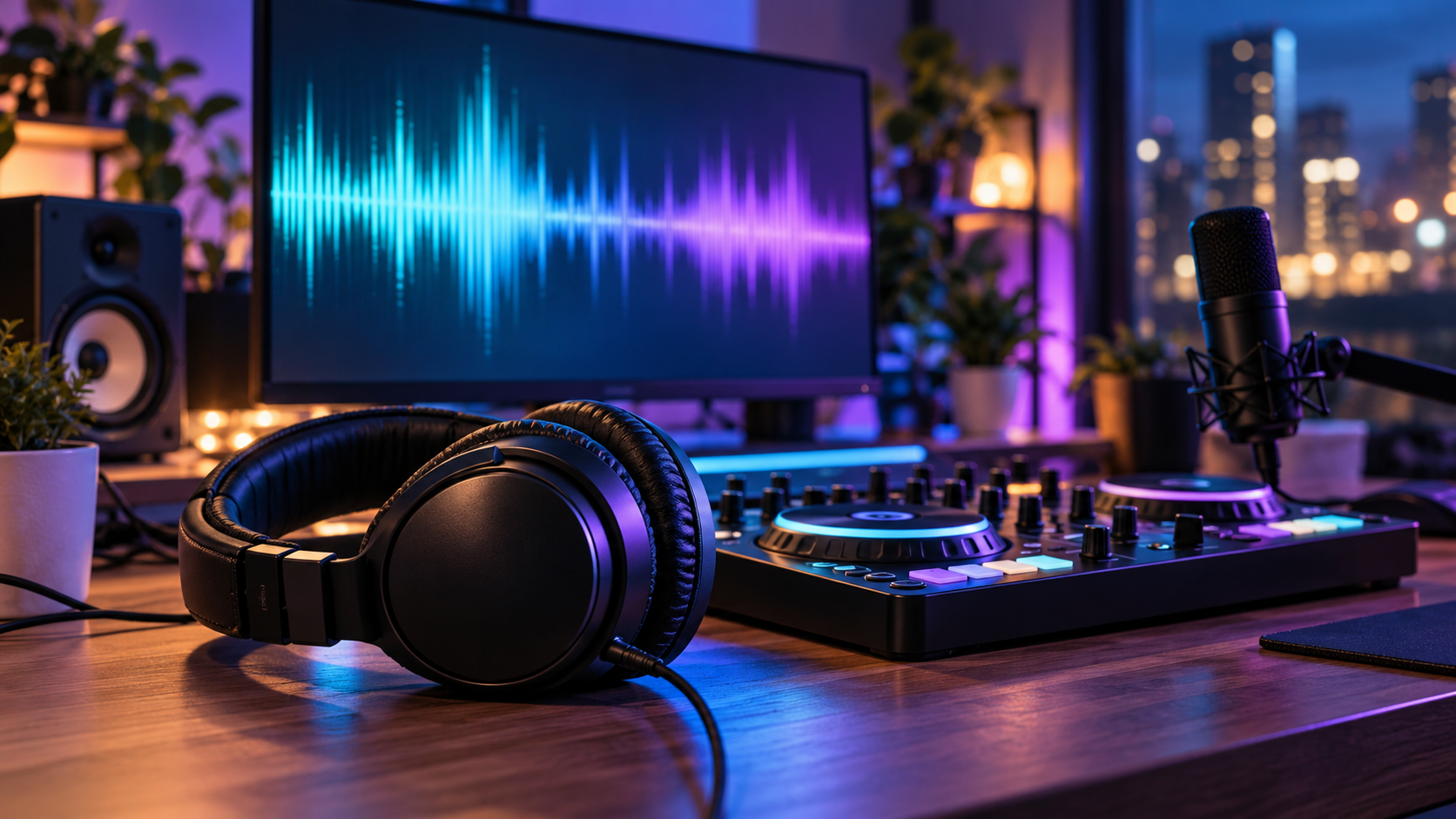
Finding EDM background music for streaming often starts with listening to different sets and noticing which sounds fit the show you want to run. A track that feels great through your headphones can still get in the way when you’re talking to viewers. The useful question is whether the music suits what’s happening on screen and leaves your voice easy to follow.
Think about the quieter parts of a broadcast. You’re adjusting a setting, reading a message, or waiting for the next match. Some music can make those pauses feel comfortable. But if you have to raise your voice every time the beat comes in, the soundtrack needs another look.
Start with the kind of stream you run
Before choosing tracks, picture a normal stretch of your broadcast. How much do you talk? Does the game already have a busy soundtrack? Are viewers following a conversation, watching you build something, or waiting for a competitive round to begin?
A relaxed drawing session might suit a steady house groove with a soft melody. An upbeat opening screen gives you more room for energetic tracks because nobody needs to hear instructions yet. During a game where footsteps and teammate callouts matter, you may want to turn the music down or pause it.
You don’t need one musical mood for everything. Choose around what viewers need to hear at that moment.
Listen for what competes with your voice
It’s tempting to judge a track by its best thirty seconds. That catchy chorus or dramatic drop might be exactly why you like it. On a stream, though, it could arrive in the middle of an explanation.
Listen through the whole track. Notice repeated vocal hooks, sharp synth sounds, and sudden changes in loudness. Try speaking over those sections at your normal volume. If you keep losing your place or pushing your voice harder, try something less busy.
Instrumental tracks are a useful starting point, although they still need a listening test. A simple beat can work well while you chat, while a dense melody may keep pulling attention away. Your own playback will tell you more than the genre label.
Choose music you can live with for a full session
A playlist can sound exciting at first and become tiring after an hour. Repeated vocal samples, constant dramatic build-ups, or the same handful of songs looping again can make you want to switch it off.
When preparing a longer session, listen while doing something similar to what you’ll do on camera. Sketch, play a practice round, or talk through a few topics. Notice when the music starts bothering you.
Keep some variety within the mood you’ve chosen. You might move between a warmer groove and a lighter melodic track without making every transition feel like a new show. Save the bigger changes for moments where they make sense, such as the start of a break.
Check the volume from the viewer’s side
Your headphones aren’t the whole test. You may hear a different balance from the one going into the broadcast, especially if you’ve adjusted your listening volume separately.
Make a short recording of the output viewers will receive. Talk normally, leave a few pauses, and include game audio or alerts if you use them. Play it back without adjusting the volume halfway through.
Can you understand the quieter words? Does the music jump forward when you stop talking? Does an alert arrive on top of a loud section and become uncomfortable?
Listen once through headphones and once through ordinary speakers. If speech becomes hard to follow, reduce the music and repeat the same sample. This is easier to fix before a session than while you’re reading chat and playing at the same time.
Prepare for transitions and breaks
Music can work differently on a starting screen, during conversation, and while you’re away from your desk. Planning those moments saves you from searching for tracks in the middle of a broadcast.
Have a few suitable choices ready for each part. Your opening can be upbeat, while the main session uses something steadier. A break can have a little more presence because your microphone isn’t carrying the conversation.
Practice the return from a break, too. Bring the music back down before you start speaking. If you use a fade, check that it feels smooth and doesn’t leave your first sentence buried beneath the track.
Keep a small playlist you know well
You don’t need hundreds of tracks to begin. A smaller selection lets you learn which songs have long quiet passages, noticeable drops, or endings that need attention. Remove tracks that repeatedly cause problems, even if you enjoy them outside the stream.
Before adding music to your broadcast, check its usage terms for the live session and any recordings you plan to share. Keep discovering music separate from choosing tracks you have permission to broadcast.
After a session, listen to a few moments where the audio felt crowded or someone mentioned the volume. Adjust those sections before the next stream. Over time, you’ll build a playlist that fits the way you talk and the content you make, with fewer surprises while you’re live.

 English
 Arabic
 French
 Spanish
 Portuguese
 Deutsch
 Dutch
Dutch
 Italiano
 Russian
 Romaian
 Portuguese (Brazil)
 Greek
Greek