


MP3 File Size Explained: What Takes Up the Most Space?
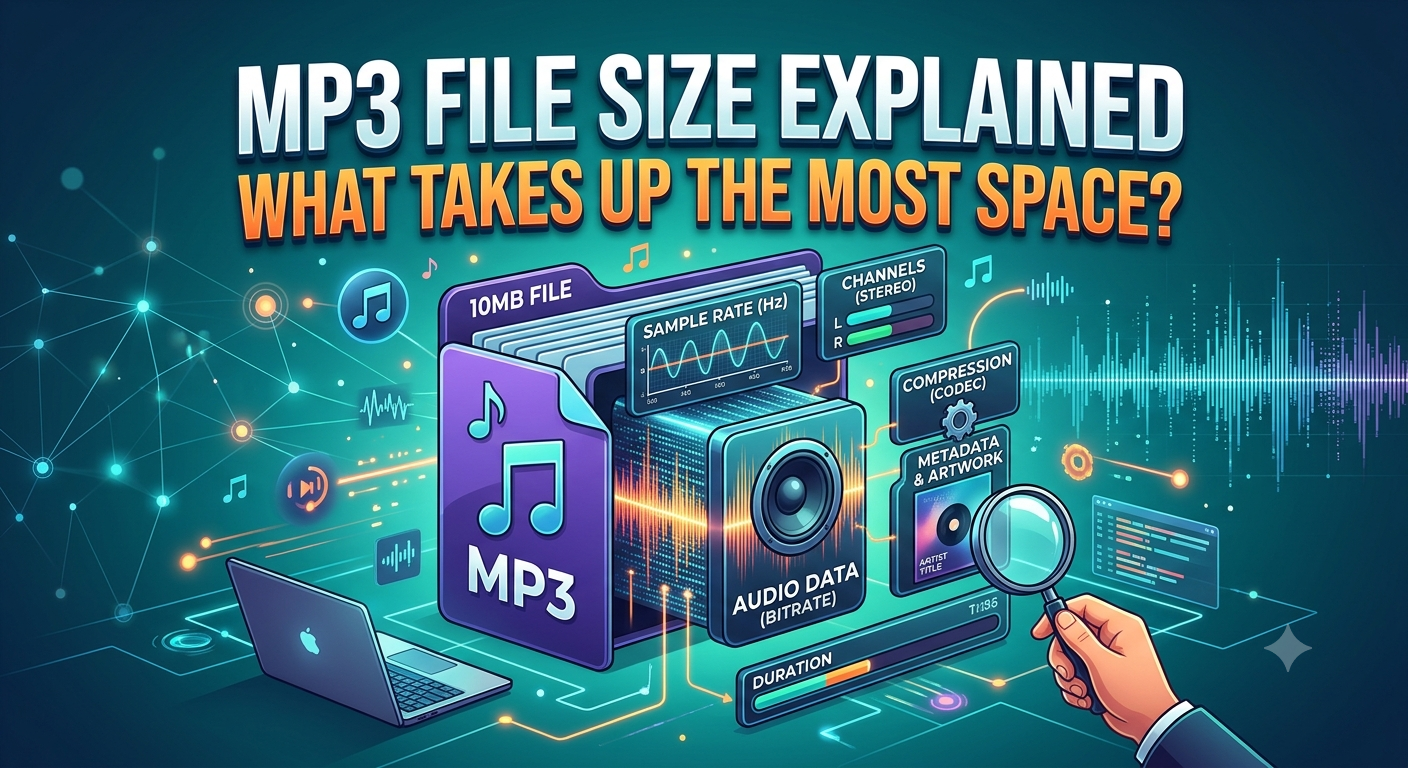
MP3 files are popular because they allow people to store music, podcasts, lectures, and other audio without taking up too much space. But some MP3 files are just a few megs, some take up a lot more space. Knowing the reason for these differences will help you manage your music library and pick files that suit your needs.
You might have noticed that when you download audio from YouTube to MP3 converter, to listen to it offline, the size of the final file varies from recording to recording. Usually, the difference is the length of the audio, bitrate, encoding settings, and quality of the source. Knowing how these factors work makes it easier to balance sound quality and storage space.
1. Audio Duration Has a Big Impact
The length of the audio is one of the main factors that influence the size of an MP3 file. A longer recording has more information in the sound. So, it usually takes more storage than a shorter recording encoded at the same bitrate.
As an example, a two-minute song will usually take up less space than a one-hour podcast, if both are encoded at similar settings. A live performance, extended mix or full lecture may be a bigger file as it contains more minutes of audio.
Before comparing two MP3 files, verify their durations. A bigger file just means a longer recording -- not better sound quality.
2. Bitrate Determines How Much Data Is Stored
Bitrate describes how much data an audio file uses each second. It is commonly measured in kilobits per second (kbps). Popular MP3 bitrate options include 128 kbps, 192 kbps, and 320 kbps.
At the same duration, a 320 kbps MP3 generally takes up more space than a 128 kbps file. The higher bitrate can preserve more audio detail when the source supports it, while the lower bitrate uses less storage.
However, a higher bitrate does not guarantee better sound. If the original recording is poor, encoding it at 320 kbps will not restore missing details.
3. How Encoding Settings Affect File Size
Encoding is the process of turning audio into a digital format. Different encoding settings can affect the final file size and listening quality.
Some MP3 files use constant bitrate (CBR), which keeps the bitrate mostly steady throughout the recording. Others use variable bitrate (VBR), which adjusts the amount of data according to the complexity of the sound.
VBR may use more data for complex musical sections and less for simpler parts. This can help balance file size and quality, although the exact result depends on the encoder and its settings.
4. The Role of the Original Audio Source
The source recording also matters. A clean studio recording, a live concert, and a recording with background noise may behave differently during encoding. Their duration and sound complexity can influence how much data is needed.
For example, a Flvto converter may convert supported media into an audio format, depending on its current features. The resulting MP3 size depends on the source and the encoding options you select. Conversion does not automatically improve the original sound or guarantee a smaller file.
5. How to Reduce MP3 Storage Use
If your music library takes up too much space, try these practical steps:
- Choose a suitable bitrate: A well-encoded 128 or 192 kbps file may be enough for everyday listening.
- Check the duration: Remove unwanted extra recordings or duplicate versions.
Compare formats carefully: Different audio formats may offer different quality and size trade-offs. - Avoid repeated conversions: Re-encoding compressed audio can reduce quality without providing a real benefit.
- Organize your library: Delete duplicate files and keep only the versions you need.
6. How to Estimate MP3 File Size
For a rough estimate, multiply the bitrate by the duration in seconds, then divide by eight to convert bits into bytes.
For example, a three-minute MP3 at 128 kbps will be approximately 2.9 MB, while the same duration at 320 kbps will be about 7.2 MB. Actual sizes may vary slightly because of file headers and encoding details.
Conclusion
MP3 file size depends primarily on the length of the track, bitrate, encoding settings, and original recording. Longer audio and higher bitrates usually demand more storage, but bigger files don't necessarily sound better. You can manage your storage and maintain audio quality that meets your needs by choosing suitable settings and deleting unnecessary duplicates. Only convert or download audio that you own, have permission to use, or are legally allowed to download.

 English
 Arabic
 French
 Spanish
 Portuguese
 Deutsch
 Turkish
 Dutch
Dutch
 Russian
 Romaian
 Portuguese (Brazil)
 Greek
Greek