


How Do Different Audio Sources Change MP3Juice Results?
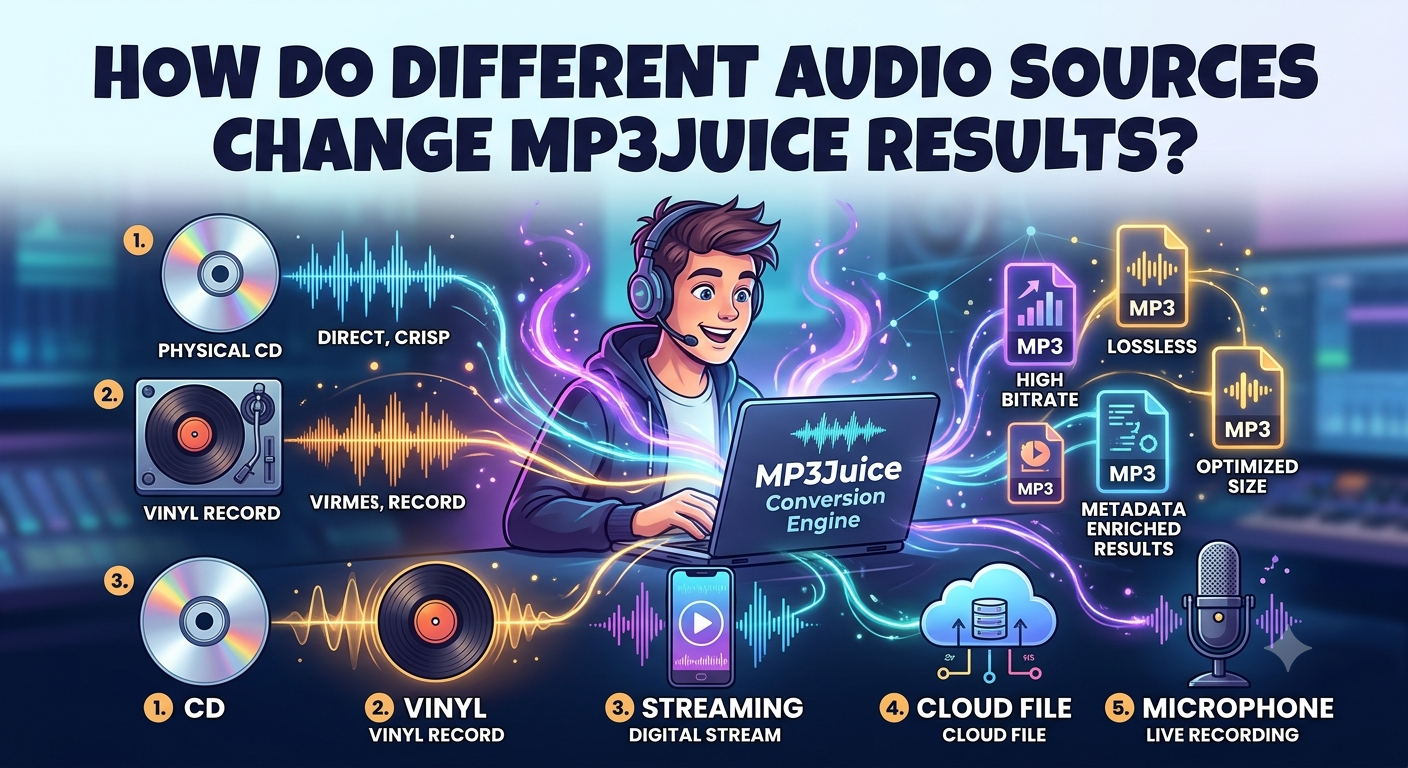
The same song can sound different depending on where the sound is coming from. One version may be crystal clear, while another may be low in volume, have background noise, or be missing details. These discrepancies often start before a song even gets to an online search or conversion service.
When people are searching for a song with MP3 Juice, they may find a few results with the same song title but different audio quality. Knowing the origin of each recording can help users select a version that suits their listening needs. The original recording, audio format, compression, and editing process can all have an effect on the final file.
1. Original Recordings Affect Sound Quality
The original recording is one of the most important factors in audio quality. A professionally recorded studio song may have clear vocals, balanced instruments, and little unwanted noise. A recording made in a crowded room may contain echoes, conversations, or other sounds.
If the original audio is unclear, converting it into another format will not automatically fix the problem. The final file may keep the same flaws because the conversion process usually changes the format rather than improving the recording itself.
2. Different Platforms Offer Different Versions
The song could be available on different sites like official music channels, personal uploads, live performance pages and fan made videos. They can share the same song title, but the audio can be different.
A concert recording might have crowd noise and volume changes, while an official release might have a carefully mixed studio version. Some uploads may also contain edits, shortened sections or added background sounds.
Please check the artist, song title, duration and version before picking a result. This information helps you to prevent accidentally selecting a remix or live recording when you want the original studio track.
3. Compression Can Reduce Audio Detail
Audio compression helps reduce file size, making files easier to store and transfer. However, some compression methods remove sound information to make the file smaller. This can affect details such as high-frequency sounds, instrument separation, and the natural quality of vocals.
Bitrate can provide a useful clue when comparing MP3 files. A higher bitrate often preserves more audio detail when the files come from the same source and use similar encoding methods. However, bitrate alone does not guarantee better sound. A high-bitrate file created from a poor recording may still sound worse than a lower-bitrate file made from a clean source.
4. Editing and Volume Levels Make a Difference
Audio may be edited before it appears online. Changes to equalization, volume, noise reduction, and mixing can affect how a song sounds through headphones or speakers.
For example, one version may have strong bass but unclear vocals. Another may sound quieter but offer a more balanced mix. Repeated editing and re-encoding can also reduce quality in some cases.
Listen to a short preview when one is available. Check whether the vocals sound natural and whether the music contains unwanted noise or distortion.
5. What to Check Before Using an MP3 Song Downloader
When choosing an MP3 song downloader, focus on the quality and reliability of the source rather than file size alone. A few simple checks can help:
- Confirm the version: Make sure the artist, title, and duration match the song you want.
- Check the audio quality: Listen for distortion, background noise, or sudden volume changes.
- Compare file details: Consider bitrate and file size, but do not treat them as proof of quality.
- Use trusted services: Avoid suspicious pop-ups, unexpected downloads, and requests for unnecessary personal details.
- Respect copyright: Download or convert music only when you have permission or the content is legally available for downloading.
6. Can Conversion Improve a Poor Audio Source?
Converting an audio file can convert it to a format that is more compatible with a device or music player. It can not restore details that are already lost in a bad recording or previous compression.
For best results, start with a clear, legitimate source. Select the appropriate output format. Do not convert the same file multiple times. Also, keeping a clean original helps to keep the quality for future use.
Conclusion
MP3Juice results may differ depending on the audio source as different recording quality, editing, compression, and platform processing can affect the quality of the audio. To make a better choice, you can check the version of the song, listen to it and listen for unwanted noise, review file details. The most important step is starting with a reliable, high-quality source, as even the best conversion process cannot fully fix bad audio.

 English
 Arabic
 French
 Spanish
 Portuguese
 Deutsch
 Turkish
 Dutch
Dutch
 Italiano
 Russian
 Romaian
 Greek
Greek