


How to Develop a Golf GPS App for Course Mapping and Distance Tracking
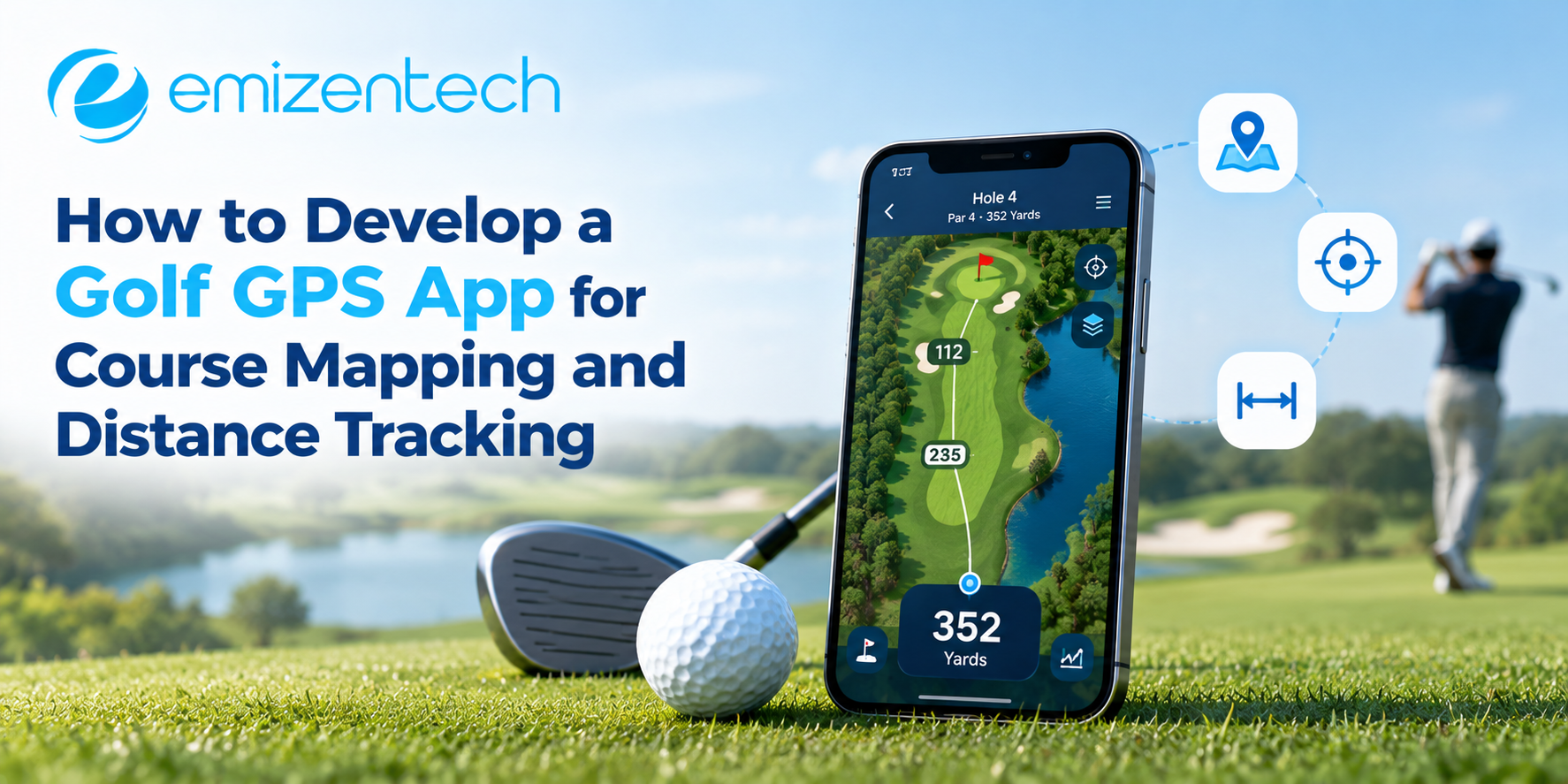
A golfer standing in the fairway wants one answer: how far to the pin. Yardage books and guesswork can’t match a phone that knows the exact spot on the course. This guide explains how a golf GPS app works, the steps to build one, the mistakes that hurt accuracy, and the questions people ask most.
How a Golf GPS App Works
A golf GPS app combines three things: the phone’s location signal, a digital map of the course, and the math that connects them. The phone reports where the player stands, the map marks the green hazards and tee boxes, and the app calculates the distance between them in real time.
Take a par 4 with a bunker guarding the right side of the green. The player’s ball sits 165 yards out. The app shows distances to the front, middle, and back of the green, plus the carry needed to clear the bunker. That is the whole value of the product: fewer guesses, better club choices, faster play. A golf app development company typically handles the pieces that make this reliable, from map data to location accuracy, so the player only sees a clean number.
Core Features to Plan First
Start with the features that deliver the main promise, then add extras after real rounds show what players use. A focused first release is easier to test and cheaper to fix.
| Feature | Purpose |
|---|---|
| Course maps | Hole layouts with tees, fairways, greens, and hazards |
| Distance tracking | Live yardage to the green and hazards |
| Shot tracking | Records where each shot was hit and its length |
| Scorecard | Digital scoring tied to each hole |
| Offline mode | Maps and distances that work without signal |
| Pin placement | Daily flag positions for sharper yardages |
Steps to Develop a Golf GPS App
Building the app in a clear order keeps map quality and location accuracy under control. Each step below depends on the one before it.
Step 1: Define the Audience and Scope
Decide whether the app serves casual golfers, club members, or tournament players. A casual app needs simple yardages, while a club app may need member logins and scoring.
Step 2: Source or Create Course Map Data
Maps are the foundation. Options include licensed course databases, satellite imagery that your team traces by hand, or on-site surveys using GPS equipment. Licensed data is faster, while surveyed maps are more accurate for local courses. Mark tees, greens (front, middle, and back), bunkers, water, and doglegs.
Step 3: Choose the Technology Stack
Cross-platform tools such as Flutter or React Native cover iOS and Android from one codebase. Pair them with a mapping SDK like Mapbox or Google Maps, and use the device’s GPS plus fused location services for better accuracy.
Step 4: Build Distance and Tracking Logic
The core calculation uses the Haversine formula to measure distance between two coordinates. Add smoothing to reduce GPS jitter, since raw readings can drift by several yards. Test the results against known markers on the course.
Step 5: Design for Outdoor Use
Players use the app one-handed, in the bright sun, often with gloves. Use large text, high contrast, and minimal taps per hole. Keep battery drain low by limiting background updates.
Step 6: Add Offline Mode and Test on Course
Download course data to the phone ahead of time so yardages work with no signal. Then walk real holes and compare readings with 150-yard markers. Projects that need custom map tools or club integrations are sometimes scoped with golf mobile app development services so accuracy tests and course data updates are planned from the start.
Common Mistakes to Avoid
Most golf GPS apps lose users for the same few reasons, and nearly all of them are preventable with early testing.
- Inaccurate course maps: A green mark in the wrong place makes every yardage wrong, and players stop trusting the app.
- Ignoring GPS drift: Without smoothing, the number jumps while the player is standing still.
- No offline mode: Courses in hills or woods often have weak coverage.
- Battery drain: An app that kills the phone by the 12th hour gets deleted.
- Cluttered screens: Too much information slows play, which is the opposite of the goal.
Conclusion
A golf GPS app earns trust through one thing: numbers players can rely on. Before adding shot analytics or social features, map one course accurately, test it on the ground, and confirm the yardages match the markers. Emizentech works on exactly this kind of first version, from course mapping to on-course testing, before anything wider rolls out. Once players trust the number on the screen, every feature added afterward has something solid to stand on.
Frequently Asked Questions
1. How accurate is a golf GPS app?
Most phone-based apps are accurate to within about 3 to 5 yards in open conditions. Tree cover and poor signal can reduce this.
2. How much does it cost to develop a golf GPS app?
A basic app may start around $20,000, while advanced versions with shot tracking and multi-course support cost more. Scope and map data sources affect the price.
3. Can a golf GPS app work without internet?
Yes. GPS works without data. Downloading course maps in advance lets distances and scorecards run offline.
4. Where does course map data come from?
It comes from licensed course databases, satellite imagery traced by mappers, or on-site surveys with GPS equipment.
5. Which technology is best for building a golf GPS app?
Flutter or React Native with Google Maps or Mapbox is a common, cost-effective setup for both iOS and Android.

 English
 Arabic
 French
 Portuguese
 Deutsch
 Turkish
 Dutch
Dutch
 Italiano
 Russian
 Romaian
 Portuguese (Brazil)
 Greek
Greek