


MP4 Made Simple: How to Balance Video Quality, File Size, and Compatibility
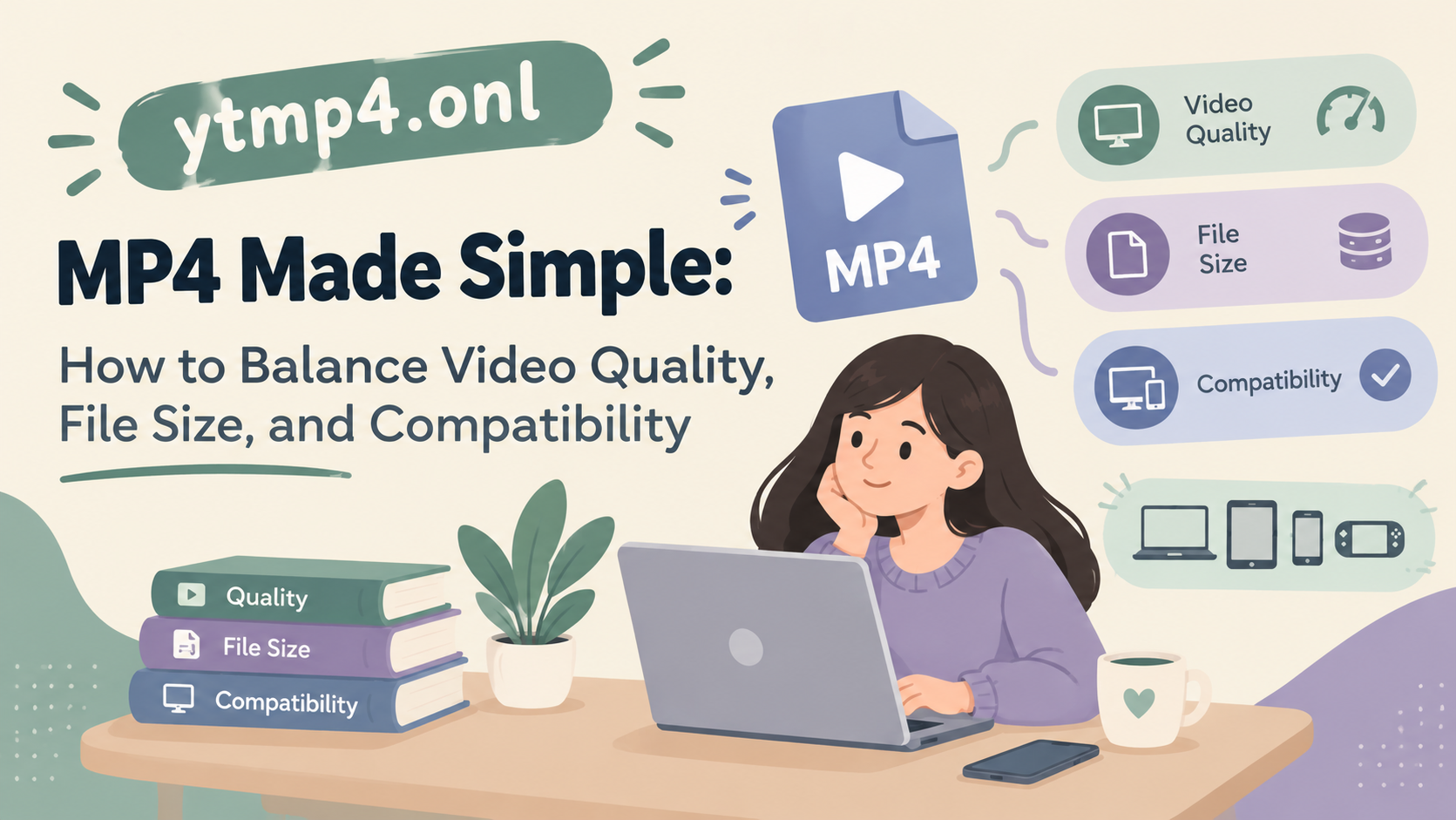
Videos are now part of our everyday life. We watch movies, save social media clips, share family moments, and download videos for offline viewing. But sometimes, a video file is too large, the quality is not good, or it does not play properly on our device. This is where the MP4 format comes in.
MP4 is one of the most popular video formats because it offers a good balance between video quality, file size, and compatibility. Whether you are watching videos on your phone, laptop, or smart TV, MP4 can make things easier. With the help of online tools like YTMP4, users also look for simple ways to convert online videos into a format that suits their needs.
In this article, we will explain MP4 in simple words and discuss how to get better results without making things complicated.
What Is MP4 and Why Is It So Popular?
MP4 stands for MPEG-4 Part 14. It is a digital multimedia container that can store video, audio, subtitles, and other information in one file. One reason for its popularity is that it works on many different devices and media players.
Some major benefits of MP4 include:
-
Good video quality: It can keep videos looking clear without making the file unnecessarily large.
-
Smaller file sizes: With the right compression settings, videos take up less storage space.
-
Wide compatibility: MP4 files are supported by most modern phones, computers, browsers, and smart TVs.
-
Easy sharing: Smaller files are generally easier to upload, send, and store.
However, MP4 does not automatically mean every video will have excellent quality. The result also depends on the video resolution, codec, bitrate, and compression settings.
How to Balance Video Quality and File Size
Finding the right balance is important. A very high-quality video may take up a lot of space, while excessive compression can make it look blurry or pixelated.
Here are some simple ways to manage both:
-
Choose the right resolution: For everyday mobile viewing, 720p can be enough. If you want clearer details on a bigger screen, 1080p is often a good option.
-
Adjust the bitrate: A higher bitrate usually keeps more visual detail but increases file size. A lower bitrate saves space but can reduce quality.
-
Use efficient codecs: H.264 is widely compatible, while H.265 can offer smaller files at similar quality in many situations. However, some older devices may not support H.265 properly.
-
Avoid unnecessary conversions: Repeatedly converting an already compressed video may reduce its quality.
-
Think about your purpose: A video for messaging does not need the same settings as a professional project or large-screen presentation.
The best setting is not always the highest one. It is the one that gives you clear visuals while keeping the file manageable.
Why Compatibility Matters
Sometimes, a video looks perfect on one device but fails to play on another. This usually happens because the device does not support the video codec, audio codec, or other technical settings used in the file.
To avoid these problems, keep the following points in mind:
-
Choose MP4 with H.264 video and AAC audio for broad compatibility.
-
Test the file on your intended device before sharing it with others.
-
Make sure the resolution suits your screen and playback device.
-
Use a trusted media player if a file does not open in your default player.
MP4 is a container, so two MP4 files may still behave differently depending on how they were encoded.
Understanding the YTMP4 Website
Ytmp4.onl is a name commonly associated with online tools that help users convert online video links into downloadable video files, often in MP4 format. These types of websites appeal to people who want a straightforward process without installing extra software.
A typical online video conversion service may offer features such as:
-
Converting supported video links into MP4.
-
Choosing from available video quality options.
-
Downloading a file for offline viewing.
-
Using the service through a web browser on different devices.
However, the exact features, availability, and safety of a website using the YTMP4 name can vary. Users should check the correct website carefully, avoid suspicious pop-ups and download buttons, and never install unknown extensions or software just to convert a video.
It is also important to respect copyright rules and platform terms. Download videos only when you have permission or the content is otherwise legally available for downloading. Official download options are usually the safer choice when available.

 English
 Arabic
 French
 Portuguese
 Deutsch
 Turkish
 Dutch
Dutch
 Italiano
 Russian
 Romaian
 Portuguese (Brazil)
 Greek
Greek