


WhatsApp Broadcast Campaign Checklist for Stores, Clinics & Schools
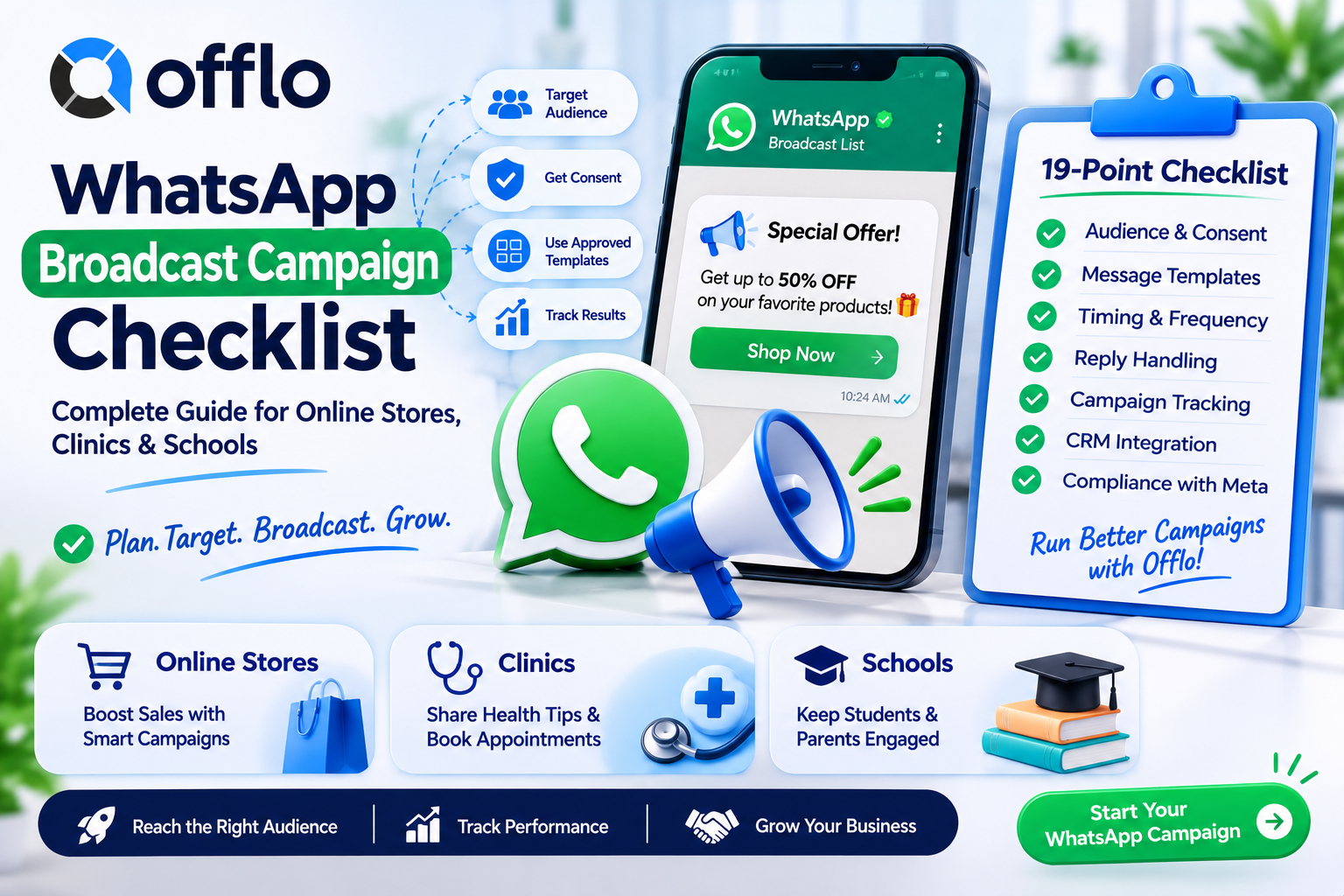
A WhatsApp broadcast campaign checklist is a standardized list of 19 checks that every online store, clinic and school should pass before sending a WhatsApp marketing campaign. It covers consent, audience segments, approved templates, timing, reply handling and reporting, and it can be completed in-house or with WhatsApp marketing software like Offlo.
If you want to reach customers on the app they open every day, the biggest barrier between you and a successful campaign is a broadcast that feels like spam. Messages to people who never opted in, one blast for every contact and no plan for replies lead to blocks, low quality ratings and lost trust. Pass the checklist and each campaign reaches the right people, with the right message, at the right time.
This guide gives you the complete WhatsApp broadcast checklist, a plan for each industry, a breakdown of what to prepare, and every option for getting started, including how campaigns, replies and CRM data work together in offlo.ai.
What is a WhatsApp broadcast campaign review?
A WhatsApp broadcast campaign review is a readiness check that confirms your audience, consent, templates and reply handling are ready before you send a marketing campaign. It covers everything from opt-in records and segments to message design, send timing and results tracking.
Online stores, clinics and schools run this review before every major campaign, then repeat it whenever offers, services or audiences change. The results are recorded on a simple campaign plan signed off by whoever owns marketing, and supported by Offlo marketing and the Offlo CRM.
Key facts about WhatsApp broadcast reviews:
• Recommended before any business sends a WhatsApp marketing campaign to a list
• Worth repeating before every major campaign, offer or seasonal push
• Covers 19 standardized checkpoint areas
• Can be completed in-house or with all-in-one WhatsApp marketing software like offlo.ai
• Business-initiated marketing messages need approved templates and customer consent, so always check Meta's current rules
The complete WhatsApp broadcast campaign checklist
Whether you sell products, fill appointment slots or recruit students, the core broadcast checklist is nearly identical. Here is every item your team should evaluate, grouped by category.
Audience and consent checks
|
Checklist item |
What to look for |
Common fail reasons |
|
Opt-in records |
Clear consent stored for every contact |
Messaging people who never agreed |
|
Opt-out handling |
Easy way to stop messages, honoured instantly |
Unsubscribe requests ignored |
|
List quality |
Valid numbers, no duplicates, no old purchased lists |
Bounced or unwanted messages |
|
Segments |
Audiences built from tags, fields and behaviour |
One blast for every contact |
|
Customer record |
Segments pulled from one profile in your CRM |
Contacts scattered across tools |
|
Frequency limits |
Sensible gaps between campaigns |
Too many messages, blocks |
|
Active conversations |
Contacts in an open chat handled separately |
Campaign interrupts a live support chat |
|
Source and consent log |
You know where each contact came from |
No proof of permission |
|
Region and language |
Right language and local rules respected |
Wrong language or time zone |
|
Suppression list |
Customers who complained or opted out excluded |
Repeat messages to unhappy contacts |
Message and template checks
|
Checklist item |
What to look for |
Common fail reasons |
|
Approved templates |
Marketing templates approved before the send date |
Rejected templates, delayed launch |
|
Clear offer |
One offer, price or service per message |
Mixed or vague messages |
|
Personalization |
Name, product, branch or programme included |
Generic blasts |
|
Call to action |
A button or reply prompt that starts a chat |
No next step |
|
Timing |
Messages sent at sensible hours for your audience |
Late-night sends |
Replies and reporting checks
|
Checklist item |
What to look for |
Common fail reasons |
|
Reply handling |
Replies land in a shared omnichannel inbox with an owner |
Replies missed after the send |
|
AI agent and handoff |
AI answers campaign questions from approved content and hands off to staff |
Questions left waiting |
|
Stop on reply |
Follow-up sequences end when a customer answers |
Messages sent after a reply |
|
Results reporting |
Delivery, replies and orders or bookings tracked per campaign |
No view of what the campaign earned |
Pro tip: The single most common reason broadcasts fail is no plan for replies. Before you press send, decide who answers questions, what the AI agent may handle and how fast staff respond, then send a small test to your own team first.
Online store campaign plan: What you need
The online store campaign plan is a one-page document your team fills out after running through the 19-point checklist above. Without it, there is no clear record of who the campaign targets, what it promises and how results are measured.
How to get the online store campaign plan
You have three ways to build and complete your plan:
1. Build it in a spreadsheet. Copy the 19 items above into a sheet and mark each pass or fail. This works well for small Shopify stores.
2. Get it from a marketing agency. Many ecommerce agencies plan WhatsApp campaigns as part of a launch. Ask for the plan by name.
3. Complete it with Offlo. The Offlo ecommerce platform combines campaigns and reply-aware follow-up sequences with a shared inbox, CRM audiences and Shopify sync. Campaigns reach the right shoppers, replies go to your team or AI agent, and spend joins to purchases so you can measure results.
What the online store campaign plan includes
A standard plan asks for:
• Store information: Store name, platform (such as Shopify), WhatsApp number, audience size
• Owner information: Name, role and the person who answers replies
• 19-point checklist: Pass or fail for each item above
• Offer note: The single offer, dates and any discount rules
• Date: Review again before each new campaign
Once your plan is complete, send a small test group first, then scale. You can book a demo for a walkthrough or review pricing first.
Clinic and school campaign plans: Requirements by industry
The clinic and school campaign plans use the same 19-point checklist as the online store plan, but each has its own focus. Most of the setup carries over, so if you run more than one type of business you usually build the foundation only once.
How to get the clinic campaign plan
Clinics, dental practices and wellness centres can complete the plan through:
• An internal review. The practice manager walks through the 19 checks and records the result.
• A compliance or marketing lead. Many groups already have someone who approves patient-facing campaigns.
• Online with Offlo. The Offlo healthcare platform supports reminders, follow-ups, recall and rebooking campaigns using approved WhatsApp templates, with replies landing in a shared inbox and one profile per patient. Campaigns stay non-clinical, and clinical replies go to the treating team.
How to get the school campaign plan
Schools, colleges, universities, academies and coaching centres can complete theirs through:
• An admissions team review. Counsellors confirm which intake, deadline or fee message goes to which audience.
• A segment audit. Check that audiences reflect programme interest, intake and stage.
• Online with Offlo. The Offlo education platform runs segmented WhatsApp campaigns and follow-up sequences that stop when a student replies, with fee, batch and parent communication kept organised in one inbox.
Can one broadcast setup serve every industry?
Yes, in most cases. The 19-point checklist is standardized, so your consent records, templates, inbox and CRM can be reused across stores, clinics and schools. There are a few exceptions, though:
• Healthcare: Campaigns must stay non-clinical. Symptoms, medication and test results are never part of a broadcast.
• Education: Fee, intake and deadline claims must match approved programme content.
• Ecommerce: Offers, prices and stock must match your store so campaigns never promise unavailable items.
When in doubt, start with the shared checklist and add industry checks afterwards. The Offlo FAQ or the contact page can point you to the right setup.
Final thoughts
A good WhatsApp campaign feels like a helpful message, not a blast. Collect clear consent, segment your audience, use approved templates, plan for replies and keep humans in the loop for anything sensitive.
If you want campaigns, an AI agent, inbox and CRM in one workspace, offlo.ai brings them together. Explore the setups for ecommerce, healthcare and education, or book a demo to see it with your own channels.

 English
 Arabic
 French
 Spanish
 Portuguese
 Deutsch
 Turkish
 Italiano
 Russian
 Romaian
 Portuguese (Brazil)
 Greek