


Why Your Mercedes Remote Key Is Not Working and How to Fix It
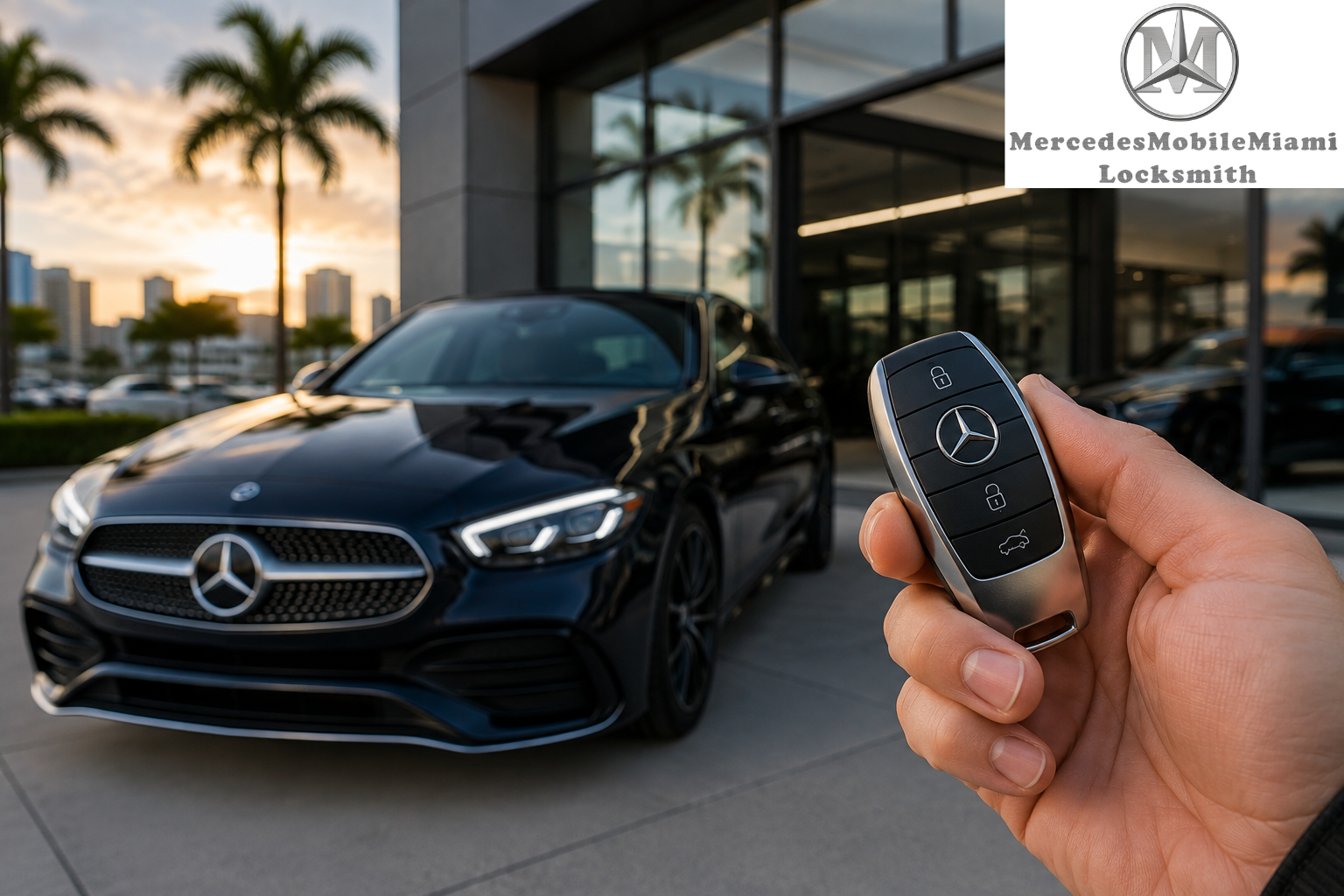
A Mercedes-Benz remote key makes everyday driving more convenient by allowing you to lock, unlock, and start your vehicle with ease. However, like any electronic device, a remote key can sometimes stop working unexpectedly. You may notice that your vehicle does not respond when you press a button, the doors refuse to unlock, or the key is no longer recognized by the ignition system.
These problems can be frustrating, especially when you are in a hurry or parked far from home. If you experience these issues, professional Mercedes Remote Key Service Miami can help identify the cause and determine whether your key needs a simple repair, battery replacement, or complete reprogramming.
Understanding the common reasons behind Mercedes remote key problems can help you take the right steps and avoid unnecessary delays.
1. Dead or Weak Remote Key Battery
One of the most common reasons a Mercedes remote key stops working is a weak or completely drained battery. The battery powers the electronic functions that allow the remote to communicate with your vehicle.
You may notice several warning signs, including:
-
The remote works only when you stand close to the vehicle.
-
The lock and unlock buttons respond inconsistently.
-
You need to press the buttons multiple times.
-
The vehicle does not recognize the remote key.
How to fix it:
Replacing the remote key battery may solve the problem. Check your Mercedes owner's manual for the correct battery type and replacement instructions. Make sure the new battery is installed with the correct polarity.
If the remote still does not work after the battery replacement, the issue may involve the key's internal electronics or communication system. A professional technician can inspect the remote and identify the next step.
2. Damaged Mercedes Key Fob
A Mercedes remote key contains delicate electronic components. Accidental drops, physical pressure, and everyday wear can damage the internal circuit board or buttons.
Water exposure can also affect the electronic components. Even if the remote looks normal from the outside, internal damage may prevent it from sending signals to the vehicle.
How to fix it:
Check the remote for visible cracks, loose buttons, or signs of water damage. Avoid opening or repairing the electronic circuit yourself unless you have the appropriate knowledge and equipment.
A professional key technician can examine the remote and determine whether the damaged components can be repaired or whether a replacement is necessary.
3. Mercedes Remote Key Programming Problems
Sometimes, a remote key stops communicating with the vehicle because of an electronic programming or synchronization issue.
This may happen after certain electrical problems, key replacement attempts, or other vehicle-related issues. Mercedes-Benz vehicles use security systems designed to recognize authorized keys.
How to fix it:
A qualified Mercedes key specialist can check the key and vehicle communication system using suitable diagnostic equipment. If a programming-related issue is identified, the technician can explain the available solutions.
Not every Mercedes key can be reprogrammed in the same way. The correct procedure depends on the vehicle model, year, and security system.
Professional Mercedes Remote Key Service Miami can help determine whether the issue is related to the remote itself or the vehicle's key recognition system.
4. Signal Interference Around Your Vehicle
Electronic interference can sometimes prevent a Mercedes remote key from communicating properly with the vehicle.
Nearby electronic equipment, wireless devices, and certain radio-frequency sources may interfere with the remote signal. As a result, the vehicle may not respond immediately when you press the lock or unlock button.
How to fix it:
Try moving away from the suspected source of interference and operating the remote again. You can also test the key from another location to see whether the problem continues.
If the remote works normally elsewhere, temporary signal interference may have been responsible.
However, if the problem happens repeatedly in different locations, have the remote and vehicle inspected by a qualified technician.
5. Problems With the Vehicle's Battery
A remote key may be working correctly even when your Mercedes does not respond. In some cases, the problem is related to the vehicle's main battery rather than the key fob.
A weak or discharged car battery can affect several electrical functions, including central locking and electronic vehicle systems.
How to fix it:
Look for other warning signs, such as dim dashboard lights, electrical malfunctions, or difficulty starting the engine.
If you suspect a weak vehicle battery, arrange a proper battery inspection. Avoid assuming that the remote key is defective before checking the vehicle's electrical system.
A technician can help determine whether the problem comes from the car battery, central locking system, or remote key.
6. Faulty Remote Buttons or Internal Connections
Repeated use can gradually wear down the buttons on a Mercedes key fob. Sometimes, the buttons may become difficult to press or stop responding altogether.
Internal connections can also become damaged due to drops, moisture, or general wear.
How to fix it:
Check whether all remote buttons are affected or only one specific button. If the lock button works but the unlock button does not, the problem may be related to an individual button or its internal connection.
A professional technician can inspect the key and determine whether repair is possible. If the electronic damage is extensive, replacement may be the more suitable option.
7. Your Mercedes Does Not Recognize the Key
Another frustrating problem occurs when your Mercedes displays a key recognition warning or refuses to start even though the remote appears to be functioning.
This can indicate an issue involving the key's electronic components, vehicle security system, or communication between the key and vehicle.
How to fix it:
First, check the owner's manual for model-specific instructions on using the emergency key recognition procedure. Some Mercedes models provide an alternative method for starting the vehicle when the remote battery is weak.
If the vehicle continues to display a key recognition warning, professional diagnostics may be required.
Avoid attempting random programming procedures because incorrect actions can create additional problems.
When Should You Choose Professional Mercedes Remote Key Service?
Not every remote key issue requires a complete replacement. Some problems can be resolved with a battery change, while others may require electronic repair, diagnostics, or a replacement key.
Consider professional assistance if:
-
Your remote key has stopped responding completely.
-
A new battery does not solve the problem.
-
Your Mercedes does not recognize the key.
-
The remote has suffered physical or water damage.
-
You have lost your original Mercedes key.
-
The key buttons work inconsistently.
-
Your vehicle's central locking system is not responding.
Professional Mercedes Remote Key Service Miami can help identify the underlying issue and recommend an appropriate solution based on your vehicle's requirements.
Mercedes Remote Key Service in Pinecrest
Mercedes owners in surrounding communities may also experience remote key problems that require professional attention. If you live in Pinecrest, finding a reliable service provider can make it easier to address key-related issues without unnecessary delays.
Mercedes Remote Key Service Pinecrest can be useful when you experience problems such as a damaged key fob, weak battery, remote communication failure, or key replacement needs.
Before arranging service, provide information about your Mercedes model and year. Explain the symptoms you are experiencing and whether you still have a working spare key.
This information can help the technician understand your situation and determine which diagnostic tools and replacement options may be required.
Whether you are in Miami or Pinecrest, choosing a specialist familiar with Mercedes-Benz key systems can help ensure that the problem is properly assessed.
How to Prevent Mercedes Remote Key Problems
Although remote key problems cannot always be avoided, a few simple habits may help protect your key and reduce the risk of damage.
Keep the key away from moisture: Avoid exposing your remote to rain, spills, or excessive humidity.
Protect it from physical damage: Use a suitable key cover to reduce scratches and damage caused by accidental drops.
Replace weak batteries promptly: Pay attention to reduced remote range and inconsistent button response.
Avoid unnecessary pressure: Press the buttons gently instead of forcing them when the remote does not respond.
Keep a spare key: Having an additional working key can be helpful if your primary remote becomes damaged or misplaced.
Arrange professional inspections: If your remote repeatedly malfunctions, have it checked before the problem becomes more serious.
Get Professional Help for Your Mercedes Remote Key
A Mercedes remote key that stops working can have several possible causes, ranging from a simple battery issue to more complicated electronic or vehicle security problems. Identifying the actual cause is important before choosing a repair or replacement solution.
If you need Mercedes Remote Key Service Miami, Mercedes Keys Miami can help you explore suitable options for remote key problems and replacement needs. Whether your key has stopped responding, suffered physical damage, or requires professional attention, getting the right diagnosis can save time and prevent unnecessary repairs.
Mercedes owners looking for Mercedes Remote Key Service Pinecrest can also explore professional assistance for their key-related concerns.
Do not let a malfunctioning remote key interrupt your daily routine. Have your Mercedes key inspected by a qualified specialist and choose a solution that supports reliable vehicle access and convenience.

 Arabic
 French
 Spanish
 Portuguese
 Deutsch
 Turkish
 Dutch
 Italiano
 Russian
 Romaian
 Portuguese (Brazil)
 Greek