


What Makes a BMW Navigation Update Worthwhile Today
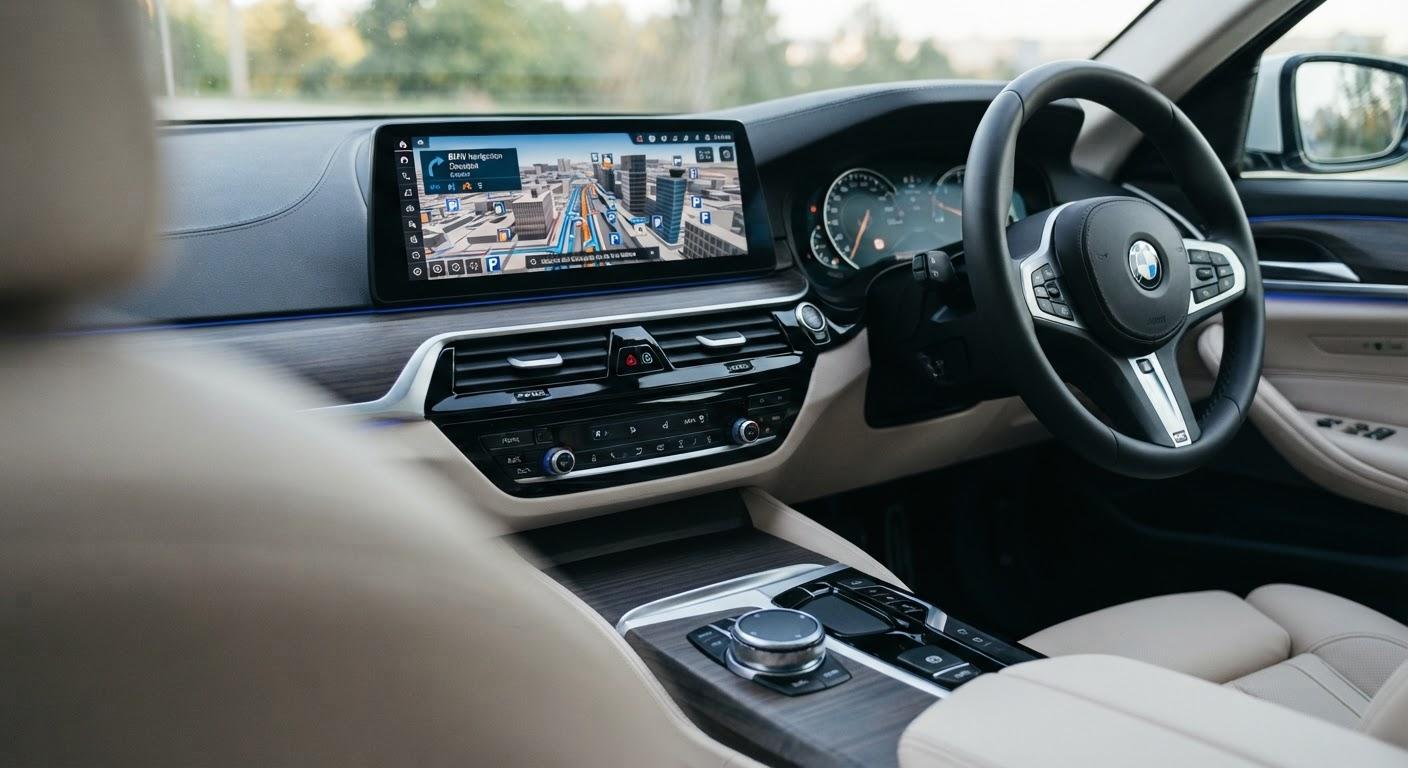
BMW navigation system update services can make every drive feel easier and more enjoyable. Roads change, new places open, and familiar routes can look different over time. If your BMW uses old maps, it may miss these changes or suggest a longer way. An updated map can help you find your destination with greater confidence. For drivers in Pakistan, this can be useful when traveling between cities or exploring a new area. However, the value of an update depends on your car, its current map version, and the coverage available for your region. This guide explains the benefits, the update process, and what to check before you begin or plan your next trip.
Key Takeaways for BMW Drivers in Pakistan
- A map update can add newer roads and points of interest.
- The right update must match your BMW navigation system and region.
- Map coverage and update methods vary by vehicle.
- Updates may require a USB drive or an online connection.
- Check compatibility and costs before buying a map update.
How a BMW Navigation Map Update Improves Your Drive
A Bmw navigation system update replaces older map data with a newer available version. It can help your car recognize road changes and find places that were missing from an older map. As a result, you may spend less time checking directions or searching for an address.
Map updates do not guarantee a perfect route. Coverage differs by region, and recent road changes may not appear right away. Still, a current map gives your navigation system a better starting point for planning a trip.
Why Updated BMW Maps Are Useful in Pakistan
Driving in Pakistan can take you through busy city streets, growing neighborhoods, and roads between major cities. Over time, new roads and businesses may appear, while some road layouts may change. An older BMW map might not show all of them.
A newer map may help you locate a hotel, fuel station, or other useful stop. Before you update, check whether the available map package covers the parts of Pakistan where you drive. Detail levels can differ between cities and rural areas.
How to Check Your BMW Map Version and Region
Start by opening the navigation settings on your BMW display. Look for an option that shows the map version or map information. The menu name and location can vary by model and navigation system.
Write down the version, region, and system details shown on the screen. You can then compare them with the latest compatible map offered for your car. If you cannot find the information, check your owner’s manual or ask a BMW service provider for help.
What You Need Before Updating BMW Navigation Maps
The update method depends on your BMW model, its navigation system, and the services available in your region. Some vehicles support online updates. Others may need a map file on a USB drive and an activation code.
Before you begin, make sure you have the correct map package. Also, follow the instructions for your vehicle and keep its power supply stable during installation. These checks can help you avoid common problems:
- Confirm that the map matches your navigation system and region.
- Check whether you need a USB drive or an activation code.
- Make sure the USB drive has enough space, if required.
- Keep your vehicle powered as directed during the update.
- Allow enough time for the installation to finish.
How to Update a BMW Navigation System Safely
First, confirm which update method your BMW supports. If your car uses a USB update, download the correct map files and prepare the drive as instructed. Then, connect it to your vehicle and follow the prompts on the display.
Some compatible cars may receive updates online. However, availability can depend on your vehicle, subscription, and region. Once the process is complete, check the map version again. If an error appears, follow the guidance for your system or contact a qualified service provider.
How BMW Map Updates Compare With Phone Navigation
Phone navigation apps can offer live traffic details and frequent map changes. Your BMW’s built-in system, on the other hand, displays directions on the car’s screen and may work without a phone connection. Its features depend on the vehicle and available services.
For many drivers, both options have value. You can use the built-in map for familiar trips and check a phone app when you want another route. An updated BMW map also gives you a useful backup when your phone is unavailable.
When a BMW Navigation Update Is Worth the Cost
An update can be worthwhile if your map often misses roads, addresses, or destinations you visit. It may also help if you plan to travel to an area you have not explored before. Compare the available map version with the one already in your car.
Before paying, check the price, regional coverage, and installation requirements. Ask what the package includes and whether you need an activation code. A newer map is useful, but its value depends on the improvements available for your driving needs.
Frequently Asked Questions About BMW Map Updates
How often should I update my BMW navigation map?
Check for a compatible map update at least once a year, or before a major trip. Release schedules vary by navigation system and region. Compare your current version with the latest available map before deciding whether to update.
Can I update my BMW navigation system myself?
You may be able to update it yourself if you have the correct map files, equipment, and instructions. Some cars use a USB drive, while others support online updates. The process depends on your BMW model and navigation system.
Does a BMW map update include roads in Pakistan?
Coverage depends on the map region and version offered for your vehicle. Before buying, confirm that the package includes Pakistan and check the available detail for the areas where you drive. Coverage can vary between urban and rural areas.
Will a map update add live traffic information?
Not necessarily. A map update changes stored map data, while live traffic may require a separate connected service. Availability depends on your BMW model, subscription, and location. Check your vehicle’s features before expecting live traffic information.
How long does a BMW navigation update take?
Installation time varies by map size, update method, and vehicle. A USB update may take some time to complete, so plan ahead. Follow the instructions for your car and keep its power supply stable throughout the process.
Conclusion
A BMW navigation update can make your built-in maps more useful by adding newer available road and location data. It is especially valuable when your current map no longer meets your travel needs. Before you start, check your map version, regional coverage, and installation method. For help exploring a compatible update, visit Bimmercore. With the right information, you can choose an update that fits your BMW and plan your next journey with greater confidence.

 English
 Arabic
 French
 Spanish
 Portuguese
 Deutsch
 Turkish
 Dutch
 Italiano
 Russian
 Romaian
 Portuguese (Brazil)