


What Should the Best Tax Filing Software for CPA Firms Actually Do?
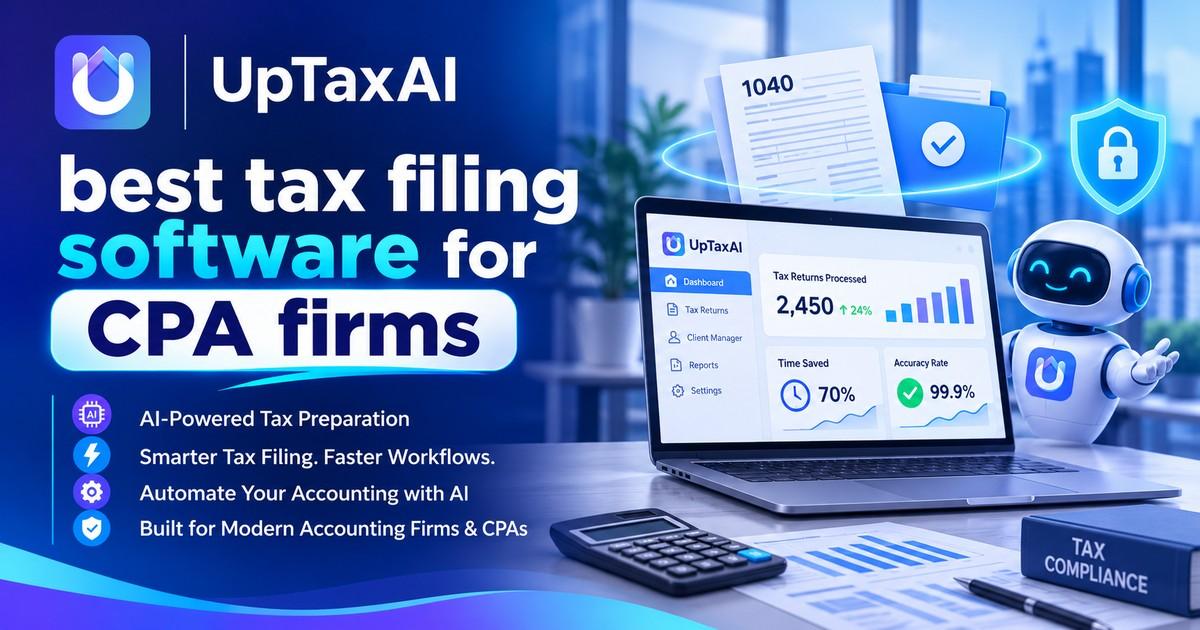
Every year during busy season, some firm signs up for software they saw on a demo only to realize two months later that their partners can’t fill out K-1s, or that every reviewer has been slowed to a crawl. When it comes time for choosing the right tax filing software for cpas, we’ve learned to look past all the flashy bells and whistles.
In this guide, we cover everything you need to compare, test, and ask of your vendors when shopping for the best tax filing software for cpa firms.
What CPA Firms Need From Tax Software
Consumer tax apps and professional tools solve different problems. A firm handles many clients, many return types, and many hands on each file.
Most firms need:
-
Support for individual, business, trust, and multistate returns
-
Federal and state e-file for the places you serve
-
A clear handoff from preparer to reviewer
-
Client document collection and e-signature
-
An audit trail showing who changed what
If a tool misses one of these, staff usually patch the gap with spreadsheets and email. That is where errors and lost hours start.
Features to Compare Before You Buy
E-File and Form Coverage
The Forms List: You can check out which forms are actually available by visiting the “UpTax” tab here. You’ll want to ask about their support for k1s, depreciation schedules, and other common form types as well.
Also, think about your own specific needs. For instance, if you regularly file certain state returns, will they be supported? And once the IRS comes out with new forms, how soon does the company update?
Review and Workflow Tools
Look for status tracking, reviewer notes, and a clean way to send questions to clients. A firm with six preparers loses real time when review lives in email threads.
Security and Data Handling
Remember that tax data can be very sensitive. All tax preparers are subject to the FTC Safeguards Rule. And the IRS requires firms to maintain a written information security plan.
Integrations
Practice management, accounting, and client portal tools should connect without re-keying numbers. Ask for a list of live integrations, not planned ones.
Where AI Fits Into Tax Filing
Now, these tasks are performed automatically through the use of artificial intelligence (AI). Pulling numbers out of W-2s, 1099s, and organizers, putting them into the correct lines, and calling attention to inconsistencies that need correction saves varying amounts of time based on each firm’s work flow and type of returns being filed.
How to Test Software Without Guessing
A demo shows the best case. A trial on your own files shows the real one.
-
Pull 10 to 15 anonymized returns from last season, including at least two complicated ones.
-
Prepare them in each tool and track minutes per return.
-
Ask a reviewer to score the handoff and the error flags.
-
Send support a real question and note how fast they answer.
-
Check how easily you can export your data if you leave.
Keep the scoring sheet simple. Four or five criteria, rated one to five, is enough to compare tools fairly.
What Does It Cost?
Pricing models differ. Some vendors charge per return, some per seat, and some sell tiered bundles.
Estimate your cost at your expected return volume, not the entry price on the pricing page.
The Takeaway for Your Firm
The good news? The right software will have won over your reviewers by March. Test against actual returns. Check out their security features in writing. And only consider price as a final factor.
Also reads about: https://net-pals.com/blogs/71481/Why-AI-Tax-Preparation-for-CPA-Firms-Is-Gaining-Ground
Frequently Asked Questions
What is the best tax filing software for CPA firms?
There is no single winner. The choice depends on your returns type, number of preparers and need for integrations. Select 2 to 3 tools and then test them on actual returns.
Do CPA firms have to e-file client returns?
However, in most cases, preparers who intend to file at least 11 individual tax returns must use electronic filing.
Is cloud-based tax software safe for client data?
This may be true, although safety is subject to the safeguards present. Seek encryption, multifactor authentication, logging of access, and independent security audits.
Can AI prepare a tax return without a CPA?
Although AI can write entries and identify issues, the burden is on the preparer to ensure that the entries are accurate and meet professional standards.
How long does it take to switch tax software?
It will depend on how many clients and past files you intend to transfer. Most companies will usually schedule this during off-peak periods and inquire about importing the data from the vendor.

 Arabic
 French
 Spanish
 Portuguese
 Deutsch
 Turkish
 Dutch
 Italiano
 Russian
 Romaian
 Portuguese (Brazil)
 Greek