


Optimizing PHP-FPM, Redis, and Nginx on a 2GB–4GB Linux VPS USA for WordPress
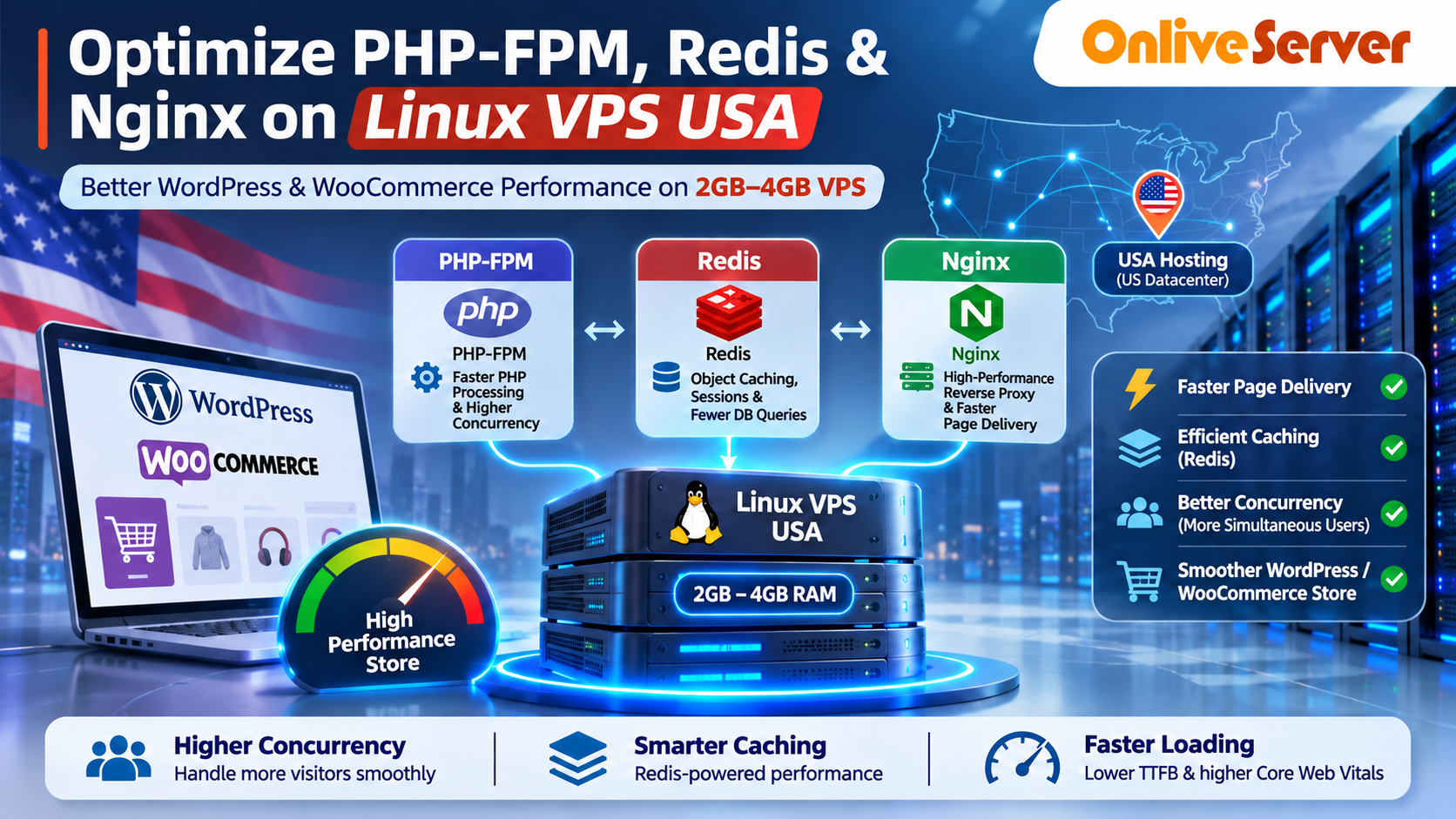
WordPress performance depends on more than the amount of RAM or CPU power available on a server. The way PHP requests are processed, database queries are cached, and web traffic is handled can make a noticeable difference, especially for WooCommerce stores serving multiple customers simultaneously.
A properly configured Linux VPS USA with 2GB–4GB RAM can support small to moderately busy WordPress websites efficiently. The key is balancing PHP-FPM, Redis, and Nginx so that these services work together without exhausting server resources.
For businesses running WordPress or WooCommerce, understanding these configurations can help reduce page loading delays, improve server responsiveness, and avoid unnecessary hosting upgrades.
Why Server Optimization Matters for WordPress and WooCommerce
WordPress generates many pages dynamically using PHP and database queries. When several visitors access a website simultaneously, the server must process multiple requests, retrieve information from the database, and deliver the resulting content.
WooCommerce introduces additional processing requirements because shopping carts, checkout sessions, customer accounts, and inventory updates often require personalized responses.
On a VPS with limited memory, inefficient configuration can lead to slow page generation, excessive database activity, and PHP processes consuming too much RAM.
A KVM Linux VPS in USA provides an isolated virtual server environment where administrators can adjust web server settings, PHP processing limits, and caching configurations according to their application's requirements.
This control makes VPS hosting particularly useful for WordPress websites that have outgrown the restrictions of shared hosting.
1. Configure PHP-FPM for Efficient Memory Usage
PHP-FPM (PHP FastCGI Process Manager) controls how PHP requests are processed. Each PHP worker consumes server memory, and allowing too many workers can overwhelm a small VPS.
For a 2GB Linux VPS, the number of PHP-FPM workers should be conservative. A 4GB VPS generally provides more flexibility, but the ideal worker count still depends on how much memory each PHP process uses.
Important PHP-FPM settings include:
- pm.max_children: Limits the number of PHP requests processed simultaneously.
- pm.start_servers: Determines the initial worker count when using dynamic process management.
- pm.min_spare_servers: Sets the minimum number of idle workers.
- pm.max_spare_servers: Controls the maximum number of idle workers.
- pm.max_requests: Allows workers to restart after handling a specified number of requests, which can help manage memory growth.
For a smaller WordPress installation, the ondemand process manager can reduce idle memory consumption. Websites receiving consistent traffic may benefit from dynamic process management.
Administrators should measure actual worker memory usage before increasing concurrency limits. Excessive PHP workers can cause swapping, request delays, and instability.
2. Use Redis Object Caching to Reduce Database Workload
Redis is an in-memory data store commonly used for persistent object caching in WordPress.
Without persistent object caching, WordPress may repeatedly execute similar database queries across separate page requests. Redis can retain reusable objects in memory, reducing unnecessary database operations.
For WooCommerce websites, this can be particularly useful when handling product information, navigation menus, settings, and frequently accessed application data.
Redis optimization should focus on three areas.
Memory allocation: Reserve a controlled amount of RAM for Redis instead of allowing unrestricted memory growth. On a 2GB VPS, Redis needs to share resources with PHP-FPM, Nginx, and the database.
Eviction policy: Select an appropriate eviction strategy so Redis can remove eligible cached data when its configured memory limit is reached.
WordPress integration: Use a compatible Redis object caching plugin and verify that persistent caching is functioning correctly.
Redis object caching does not replace WooCommerce's database or eliminate every query. Some requests still require live database operations, particularly when handling orders, payments, and inventory changes.
3. Optimize Nginx for Concurrent Connections
Nginx is an event-driven web server designed to handle multiple network connections efficiently.
When configured correctly, it can serve static assets, manage HTTP connections, and forward dynamic PHP requests to PHP-FPM without creating a separate operating-system process for every connection.
For WordPress websites running on a 2GB–4GB VPS, several settings deserve attention.
Worker processes: Configure Nginx workers according to available CPU resources rather than increasing their number unnecessarily.
Worker connections: Set connection limits based on expected traffic and operating-system resource limits.
Keep-alive connections: Use reasonable keep-alive timeouts to avoid retaining idle connections longer than necessary.
Compression: Enable appropriate compression for text-based assets to reduce transferred data.
Static asset caching: Configure browser caching headers for images, stylesheets, and JavaScript files that can safely be cached.
Nginx FastCGI caching can also reduce PHP processing for eligible public pages. WooCommerce cart, checkout, account, and other personalized responses must be excluded from shared page caching to prevent incorrect or private content from being served.
4. Balance Resources Between PHP, Redis, and the Database
Memory planning is essential when running multiple services on a small virtual server.
A WordPress installation using Nginx, PHP-FPM, Redis, and MySQL or MariaDB requires enough memory for each component and the operating system.
The following allocations illustrate possible starting budgets rather than fixed configuration recommendations.
|
Component |
2GB VPS |
4GB VPS |
|
Operating system and Nginx |
250MB |
350MB |
|
PHP-FPM |
600MB |
1.2GB |
|
Redis |
128MB |
256MB |
|
MySQL/MariaDB |
600MB |
1.4GB |
|
Remaining memory |
Approximately 470MB |
Approximately 890MB |
Actual memory consumption depends on installed plugins, database size, active requests, background jobs, and system services. Redis also has memory overhead beyond its configured cache-data limit.
These allocations should be reviewed using real workload measurements rather than applied blindly.
Improve WooCommerce Performance During Traffic Spikes
WooCommerce stores experience different traffic patterns from ordinary content websites. Customers may browse product pages simultaneously while others update carts, apply coupons, or complete payments.
To handle increased concurrency, administrators should prioritize efficient PHP processing and minimize unnecessary database operations.
Public product and category pages can benefit from carefully configured full-page caching, while personalized shopping sessions must remain dynamic.
Redis object caching can reduce repeated database queries, and PHP OPcache can avoid recompiling unchanged PHP scripts on every request.
Background tasks also deserve attention. WordPress scheduled jobs, email operations, and WooCommerce maintenance processes can compete with active customer requests for limited server resources.
Using a controlled system scheduler and reviewing resource-intensive plugins can help reduce unnecessary processing during busy periods.
For traffic spikes that exceed available PHP workers or CPU capacity, caching alone may not be enough. Additional resources or application-level optimization may be necessary.
Monitor Performance Before Increasing Server Limits
Server optimization should be based on actual usage rather than assumptions.
Monitor CPU utilization, available RAM, swap activity, PHP-FPM worker saturation, database response times, and Redis memory consumption.
Test important WooCommerce actions, including product searches, cart updates, checkout requests, and customer login.
If PHP-FPM workers consistently reach their maximum limit while memory remains available, increasing the worker count may improve request handling. If memory is already exhausted, increasing workers will likely make performance worse.
Compare performance during normal traffic and peak periods to identify the actual bottleneck.
Choose the Right Linux VPS USA for WordPress
When selecting hosting infrastructure, prioritize reliable storage, sufficient RAM, suitable CPU resources, and administrative control.
NVMe SSD storage can improve database and file access performance, particularly for workloads involving frequent reads and writes.
KVM virtualization also provides an isolated environment where administrators can manage software installations, configure services, and allocate resources according to application needs.
Businesses comparing hosting options can explore OnliveServer USA VPS hosting for WordPress and WooCommerce deployment requirements.
Before choosing a plan, verify available resources, virtualization technology, backup options, and upgrade flexibility.
Conclusion
A 2GB–4GB Linux VPS USA can provide a practical hosting environment for WordPress and smaller WooCommerce stores when its resources are managed carefully.
PHP-FPM controls dynamic request processing, Redis reduces repeated database work, and Nginx handles web connections and cacheable content efficiently. The greatest improvements come from balancing these components, protecting personalized checkout pages, and monitoring real server usage.
For growing stores, regular performance reviews and timely resource upgrades remain essential. A well-tuned VPS can handle meaningful traffic, but its capacity ultimately depends on the complexity of the website and the number of simultaneous dynamic requests.

 English
 Arabic
 French
 Spanish
 Portuguese
 Deutsch
 Turkish
 Dutch
 Italiano
 Russian
 Romaian
 Portuguese (Brazil)