


Migrating a Live Business Website to Ukraine VPS Hosting Without Downtime
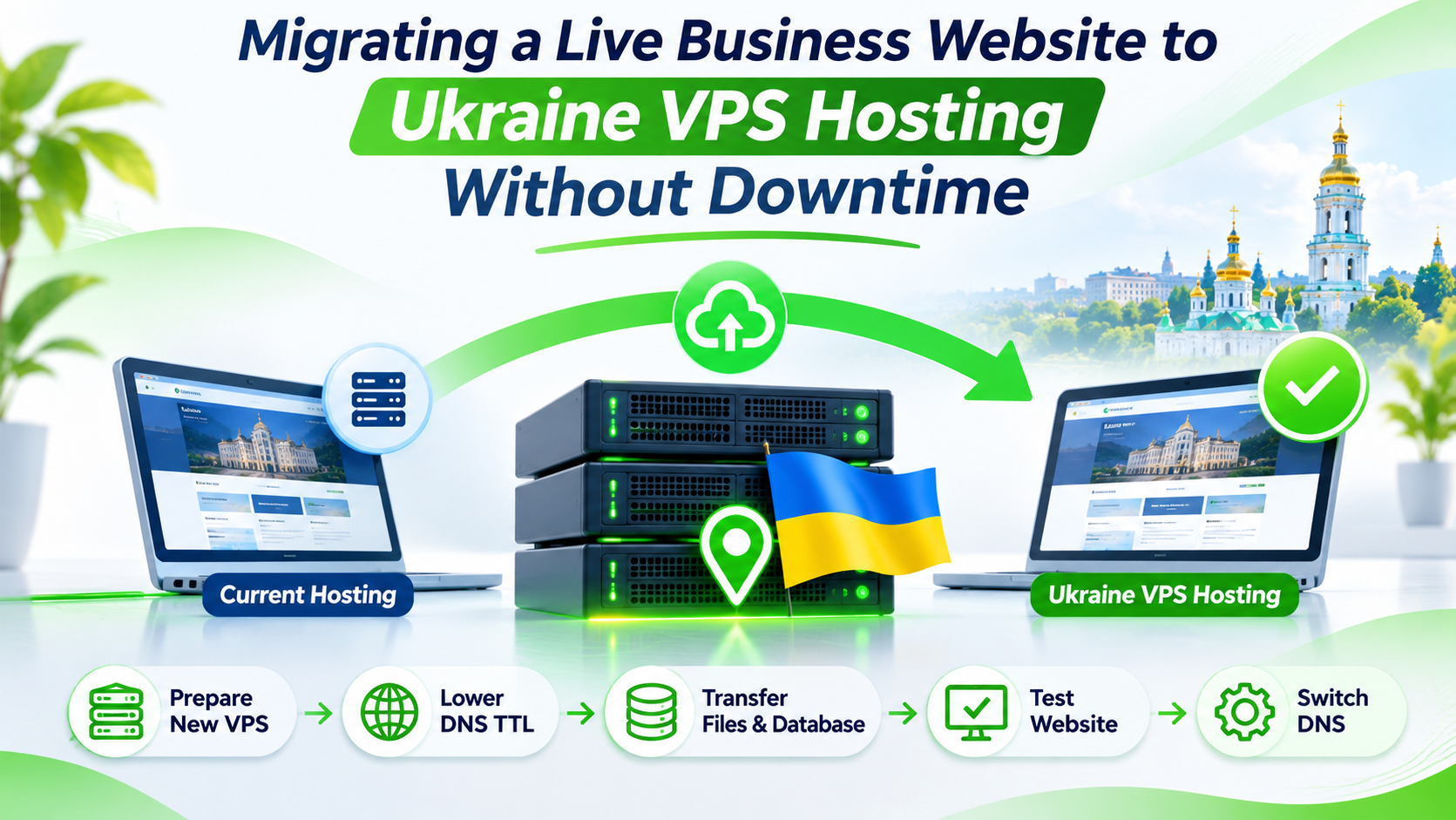
Migrating a live business website to a new hosting environment requires careful planning to prevent service interruptions, missing database records, and broken application configurations.
Businesses moving to Ukraine VPS hosting can minimize downtime by preparing the destination server, synchronizing application data, and managing the DNS transition carefully.
Prepare the New VPS Environment
Before transferring website files, configure the destination VPS with the required operating system, web server, database software, and application dependencies.
Check PHP versions, database compatibility, SSL certificates, scheduled tasks, and firewall settings.
When evaluating OnliveServer Ukraine VPS hosting options, confirm available resources, virtualization technology, storage performance, network connectivity, and migration support.
The destination server should have sufficient capacity to handle existing website traffic and database operations.
Lower DNS TTL Before Migration
Time to Live (TTL) determines how long DNS resolvers cache a record before checking for updated information.
Reducing the TTL to 300 seconds, where supported, can help DNS changes reach users more quickly.
Make this adjustment sufficiently in advance for the previous TTL to expire. A lower TTL does not guarantee that every visitor will immediately connect to the new server.
Keep the original hosting environment operational throughout the transition.
Transfer Website Files and Databases
Create a complete backup of website files, databases, and configuration settings before beginning the migration.
Transfer the initial copy to the new VPS using secure methods such as SFTP or rsync.
For websites receiving frequent orders, registrations, or database updates, use database replication or a controlled final synchronization to prevent missing records.
A temporary restriction on database writes may be necessary if continuous synchronization is unavailable.
Test the Website Before Updating DNS
Verify the destination website using a local hosts file override or a suitable staging configuration.
Check the following:
-
Website pages and navigation.
-
Database connectivity.
-
Customer login and registration.
-
Contact forms and checkout functionality.
-
HTTPS certificates and redirects.
-
Scheduled tasks and application logs.
Avoid changing public DNS records until essential website functions have been tested.
Switch DNS and Monitor Traffic
Update the relevant A and AAAA records to direct visitors to the new VPS. Preserve unrelated email and domain verification records.
During the transition, some visitors may continue reaching the original server because of cached DNS records.
Maintain a single authoritative database or another coordinated write strategy to prevent inconsistent orders and customer records across both environments.
Monitor traffic, application errors, and database activity throughout the migration.
Post-Migration Verification Checklist
After the migration, verify:
-
Website availability from different networks.
-
SSL certificate validity.
-
Database consistency.
-
Application response times.
-
Email and scheduled task functionality.
-
Backup completion.
Keep the previous hosting environment available until traffic has moved and the new server is operating reliably. Restore normal DNS TTL settings once the migration is stable.
Conclusion
Migrating a business website to Ukraine VPS hosting with minimal interruption requires more than transferring files and changing DNS records.
Proper server preparation, database synchronization, application testing, and a documented recovery plan help reduce migration risks. Near-zero downtime is achievable for suitable application architectures, but it cannot be guaranteed for every website.

 English
 Arabic
 French
 Spanish
 Portuguese
 Turkish
 Dutch
 Italiano
 Russian
 Romaian
 Portuguese (Brazil)
 Greek